> ## Documentation Index
> Fetch the complete documentation index at: https://kb.hosting.com/llms.txt
> Use this file to discover all available pages before exploring further.
# How to Add Notes Under Product Secrets
> Use this guide to securely add and store sensitive information related to your products in the Product Secret section of your account.
1. Log in to your account at [https://my.hosting.com/](https://my.hosting.com/)
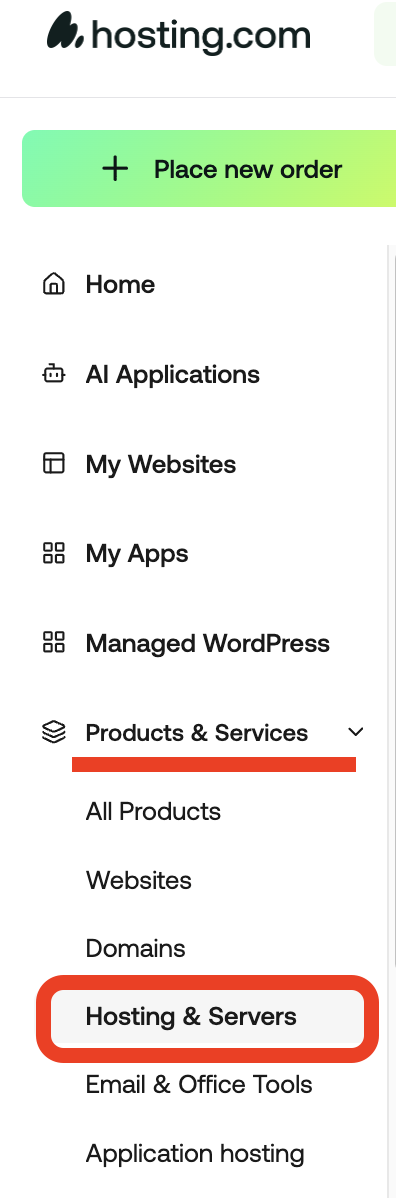
2. Go to **Products & Services** -> **Hosting & Services**
3. Find the product you want and click **Manage**.

4. Scroll down to the **Product Secrets** section.
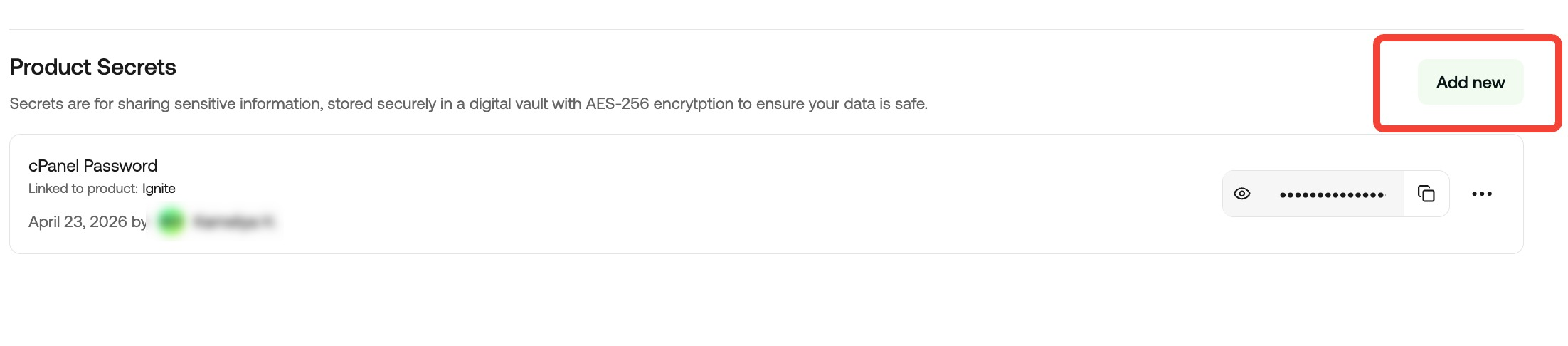
5. Add your note or sensitive information there and **Save** it.
**If you have already saved details, click on the eye to reveal them**