.jpg?fit=max&auto=format&n=E2LlsT5gBITvo732&q=85&s=ec11e1673894bdf46663a5d73602eb87)

- Log in to your control panel at my.hosting.com.
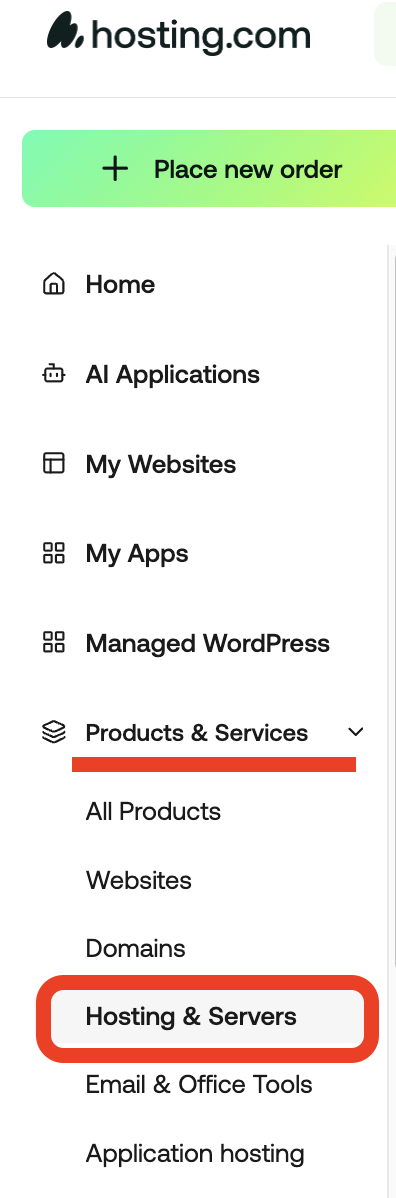
- Navigate to **Products & Services **→ Hosting Services.
- Find your hosting account and click Manage.

- Click the Change Password button.

- Enter your new password and confirm the change.
This guide explains how to quickly change your cPanel password through your hosting control panel. By following a few simple steps - logging in, accessing your hosting services, and using the password change option. You can update your credentials and keep your account secure.