.jpg?fit=max&auto=format&n=E2LlsT5gBITvo732&q=85&s=ec11e1673894bdf46663a5d73602eb87)

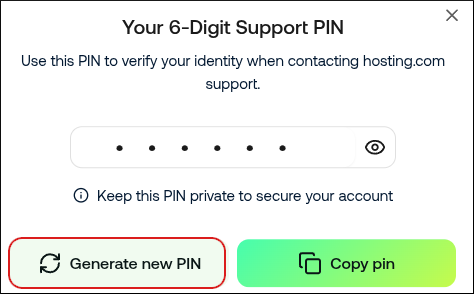
We may use the support PIN in phone calls, online chats, tickets, or any time we need to confirm your identity.
- Log in to the Hosting Panel at https://my.hosting.com.
-
At the top of the page, click Support PIN:
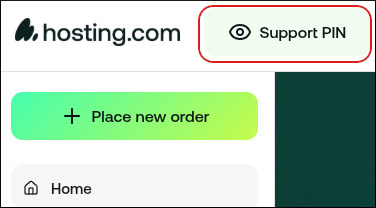
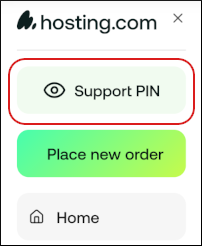
📘 Note If you are using a mobile device, tap the settings icon:
 Then tap Support PIN:
-
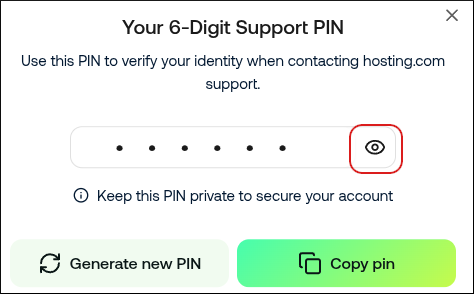
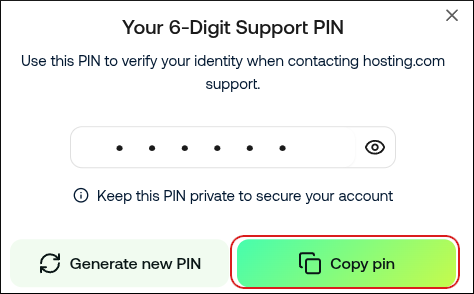
To view your support PIN, click the eye icon:
-
To copy your support PIN to the clipboard so you can quickly paste it into a chat with us, click Copy pin:
-
To generate a new support PIN, click Generate new PIN: