.jpg?fit=max&auto=format&n=E2LlsT5gBITvo732&q=85&s=ec11e1673894bdf46663a5d73602eb87)

Setting up an email account on Android devices
To set up a Professional Email account on an Android device, follow these steps:- On the Android device, open the Google Play Store app.
- Search for Titan - Mobile app for Titan mail accounts.
-
Install the app, and then open the app. The login page appears:
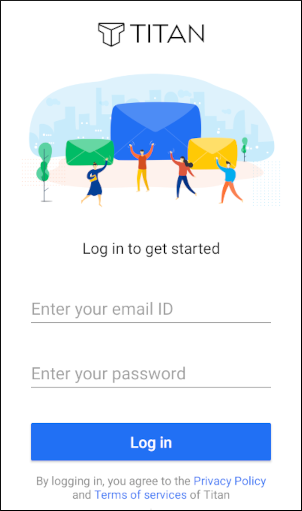
- Type your account email address and password, and then tap Log in. The account inbox appears. You are now ready to configure and use your account on the device.