.jpg?fit=max&auto=format&n=E2LlsT5gBITvo732&q=85&s=ec11e1673894bdf46663a5d73602eb87)
Protecting your WordPress site from malicious URL requests
Follow the steps below to edit your Theme setting file to protect WordPress site from malicious URL requests:- Log in to your WordPress site with an administrator account.
-
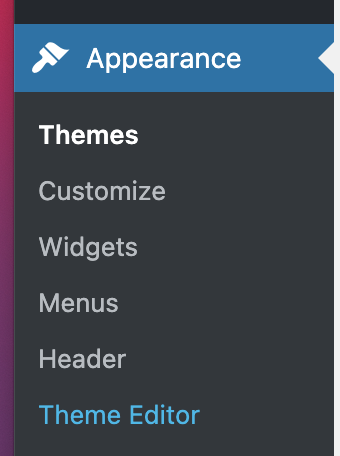
On the Dashboard in the left sidebar, click Appearance, and then click Theme Editor:
-
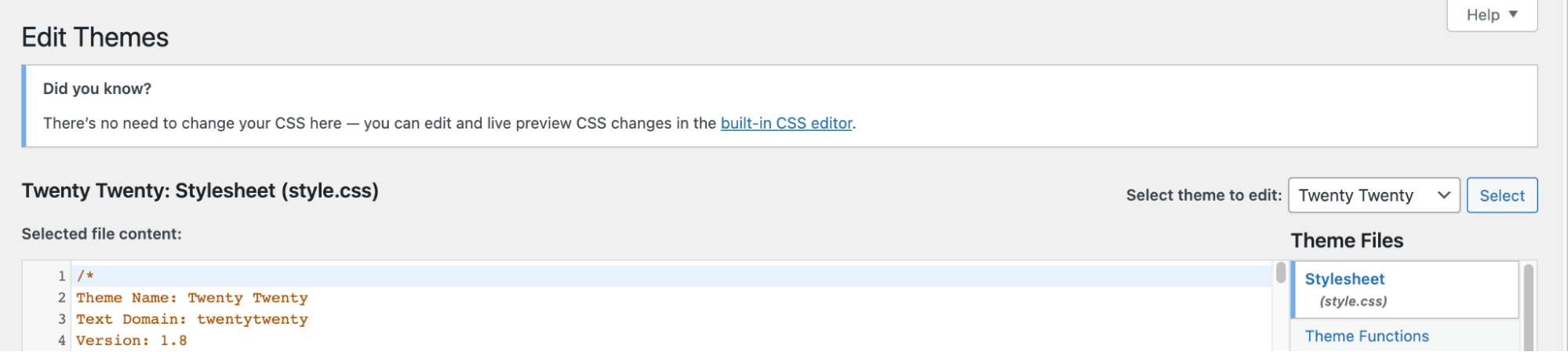
On the Theme Editor, select the Theme you want to edit from the dropdown:
-
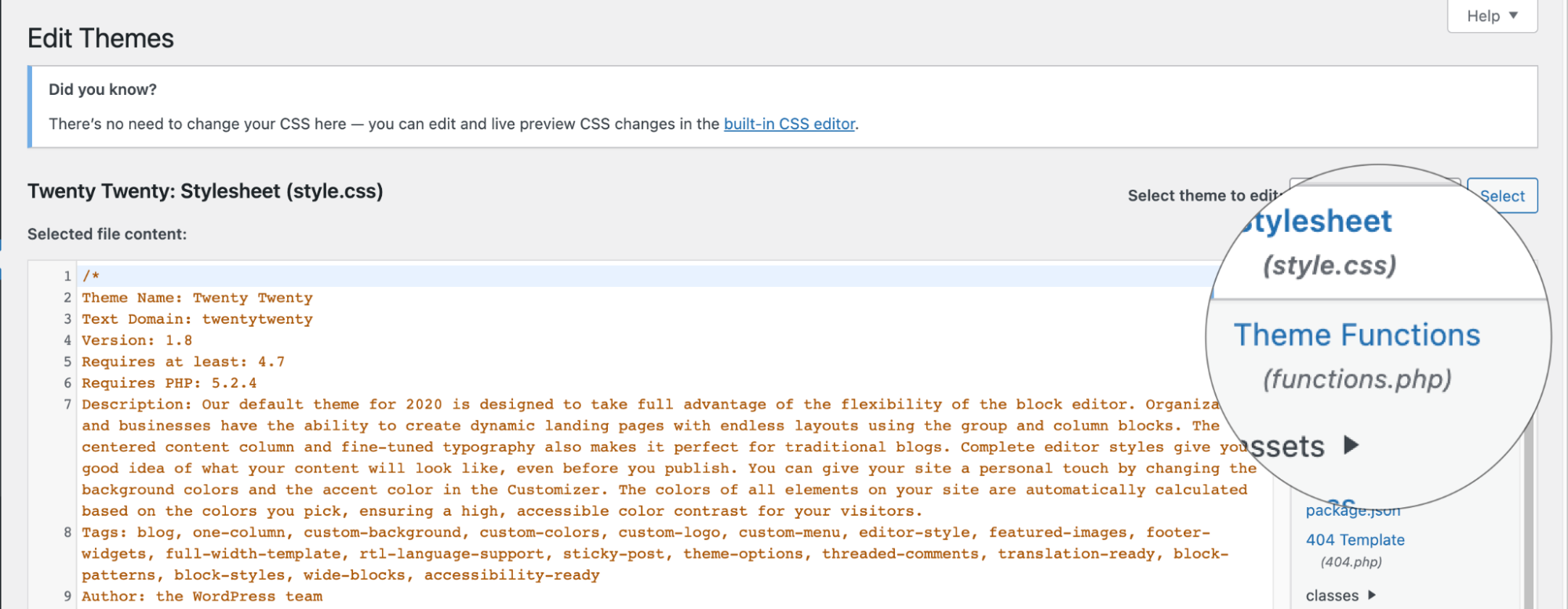
The files for this selected theme are listed on the right column under Theme Files. Click on the file named “functions.php”:
- Insert the following code to the end of functions.php file and click Update File Button to save the changes: