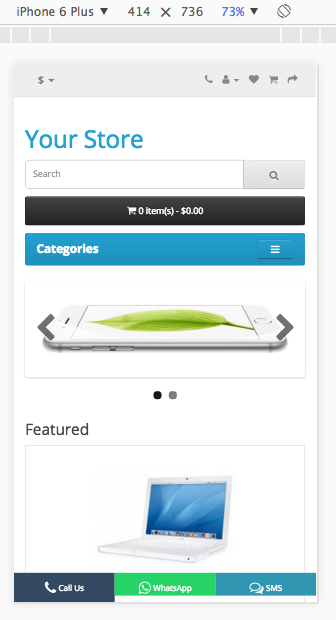
.jpg?fit=max&auto=format&n=E2LlsT5gBITvo732&q=85&s=ec11e1673894bdf46663a5d73602eb87)

Installing Mobile Footer Call to Action extension
To install the Mobile Footer Call to Action extension follow these steps:-
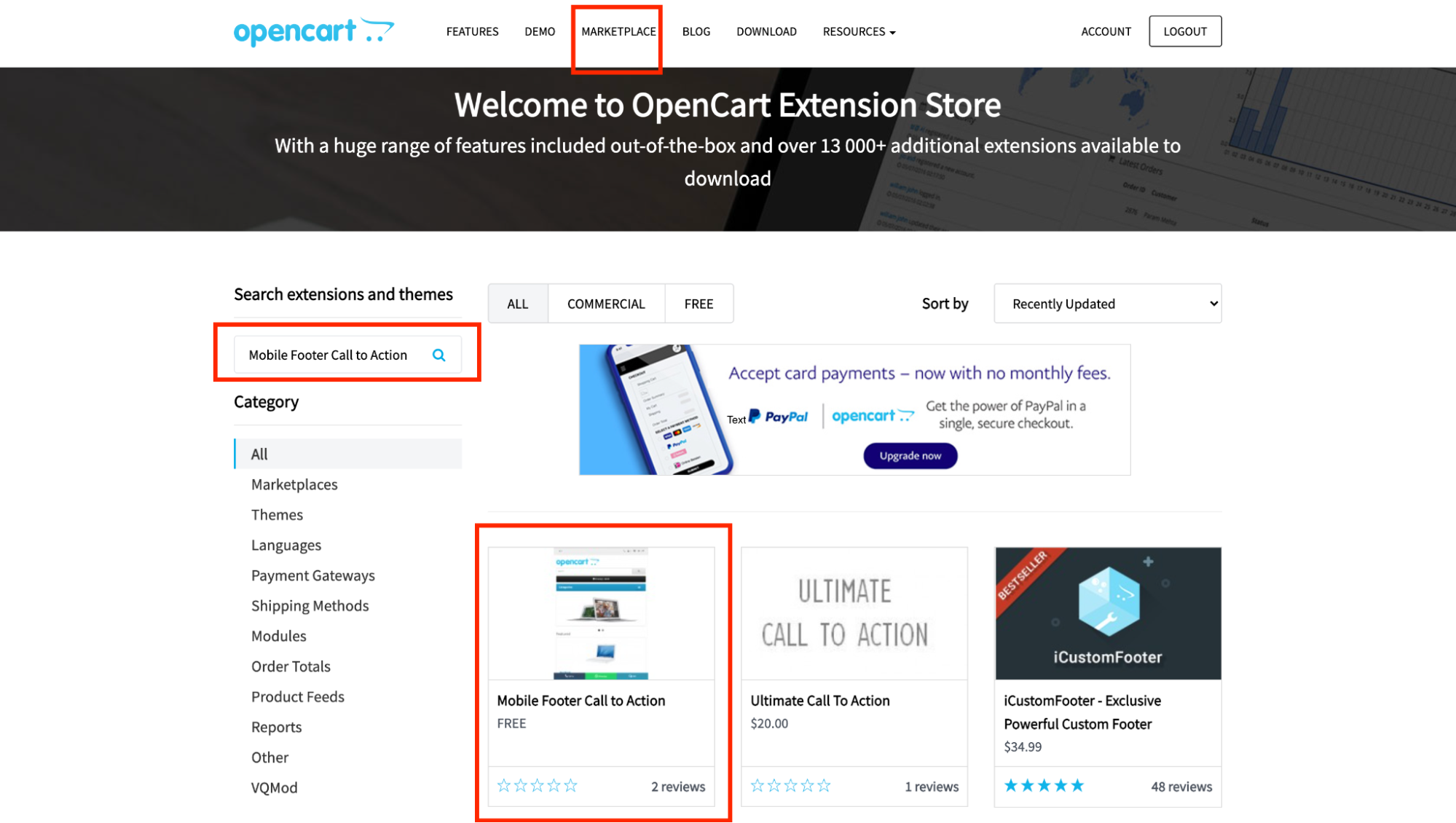
Create an account at opencart.com, and then download the [Mobile Footer Call to Action](https://www.opencart.com/index.php?route=marketplace/extension/info&extension_id=35868&filter_search=Mobile Footer Call to Action&filter_license=0) extension:
- Log into OpenCart as an administrator.
-
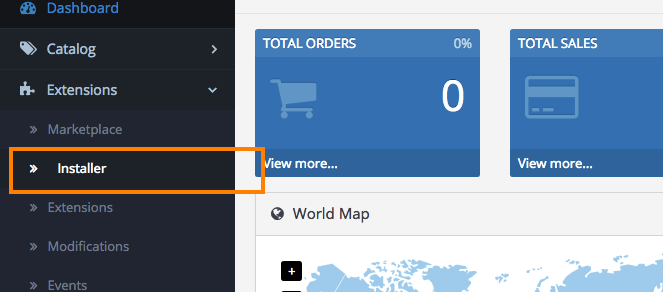
On the Dashboard in the left sidebar, click Extensions, and then click Installer:
-
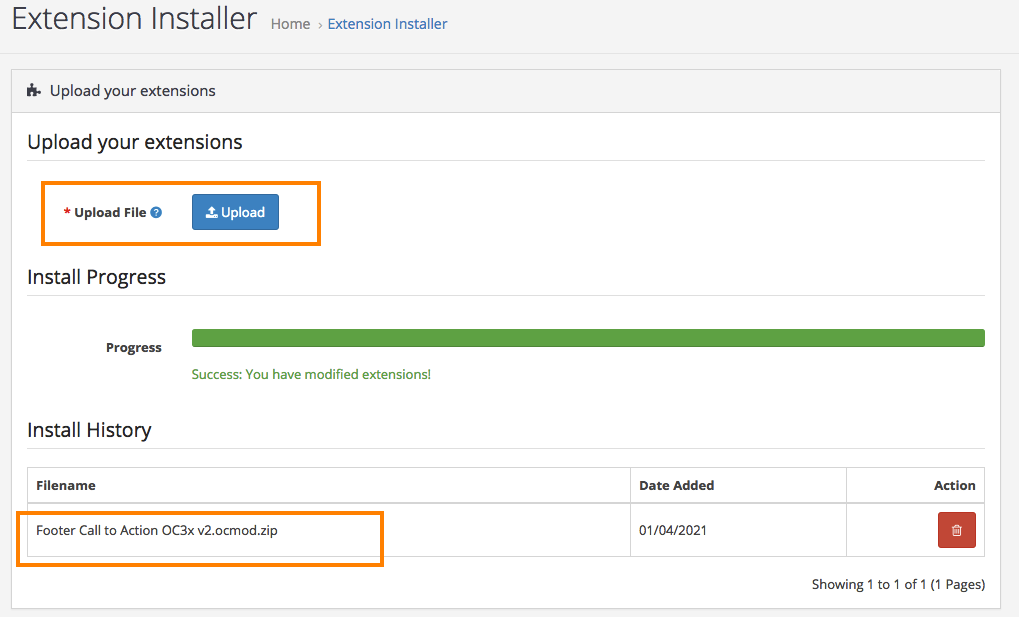
Select and upload the Mobile Footer Call To Action from step 1, and wait for the process to finish:
-
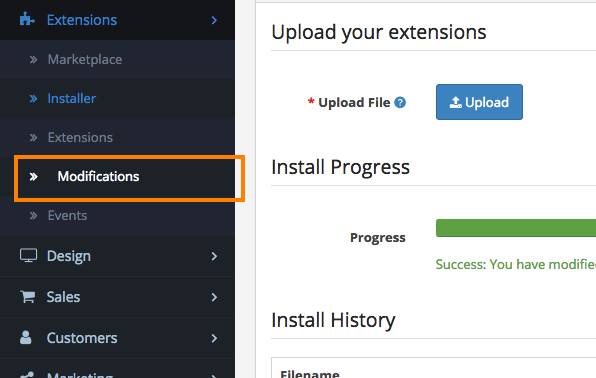
Click Extensions and then click on the Modifications option:
-
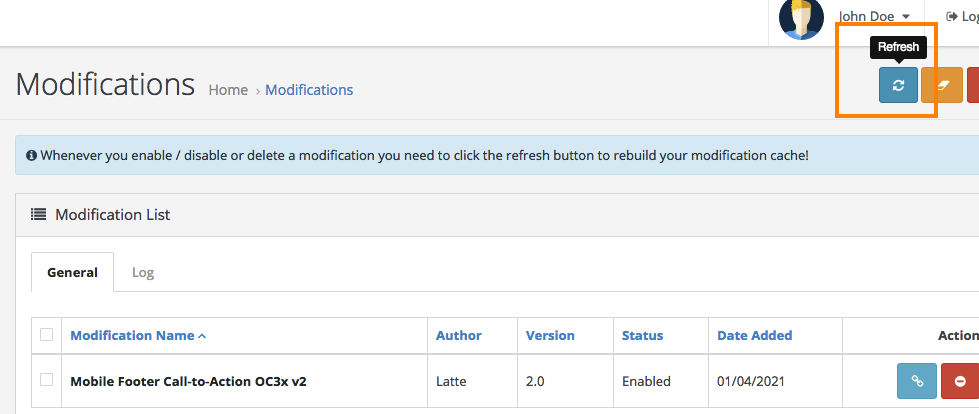
Click on rebuild the modification cache:
-
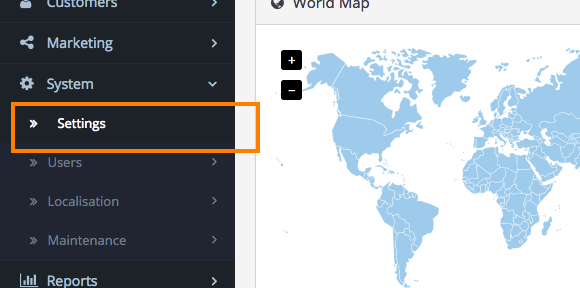
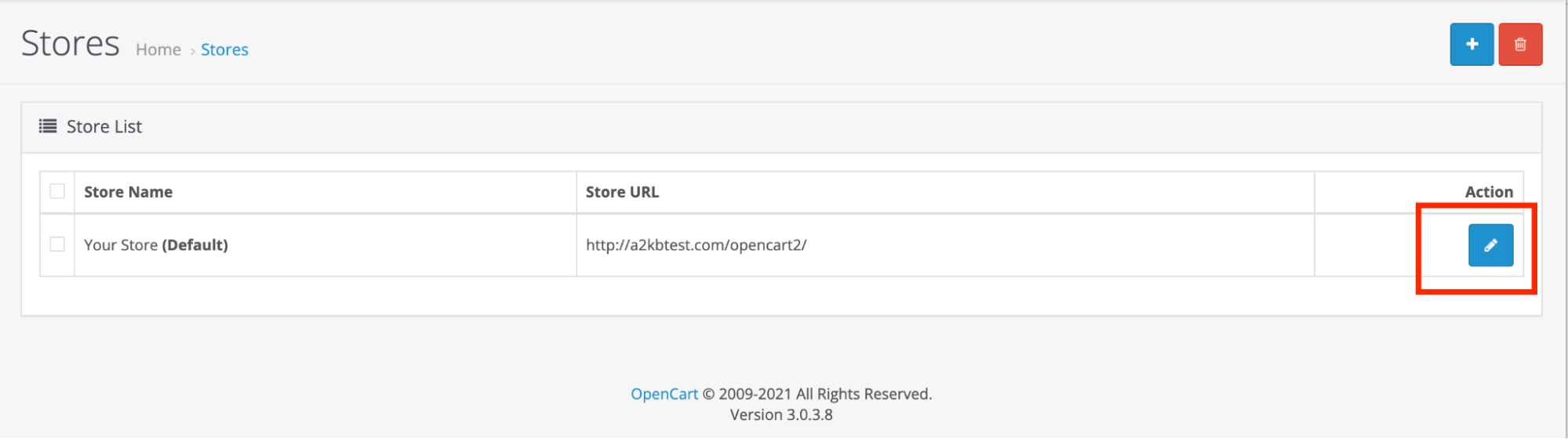
Click on Settings, and then click on Edit to customize your store:
-
Click on Mobile Footer CTA to add a phone number for customers to send messages via WhatsApp or directly to your phone. Fill in other settings for further customisation, and then click Save to save the settings:
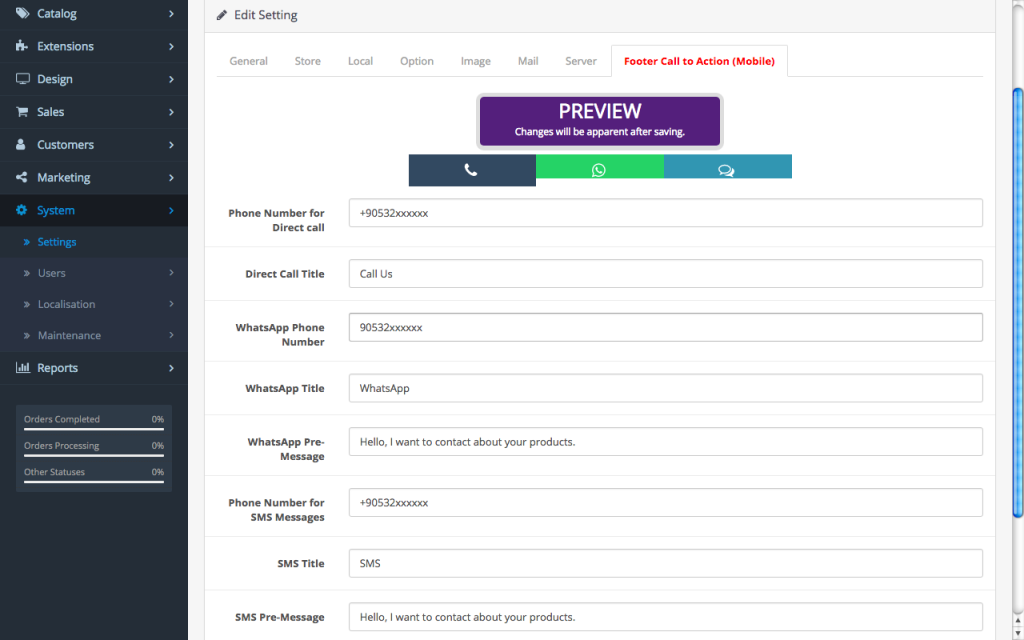
-
The calls to action will be displayed on your site for mobile customers: