.jpg?fit=max&auto=format&n=E2LlsT5gBITvo732&q=85&s=ec11e1673894bdf46663a5d73602eb87)
Configuring marketing emails in OpenCart
To send marketing emails to customers in OpenCart, follow these steps:- Log into OpenCart as an administrator.
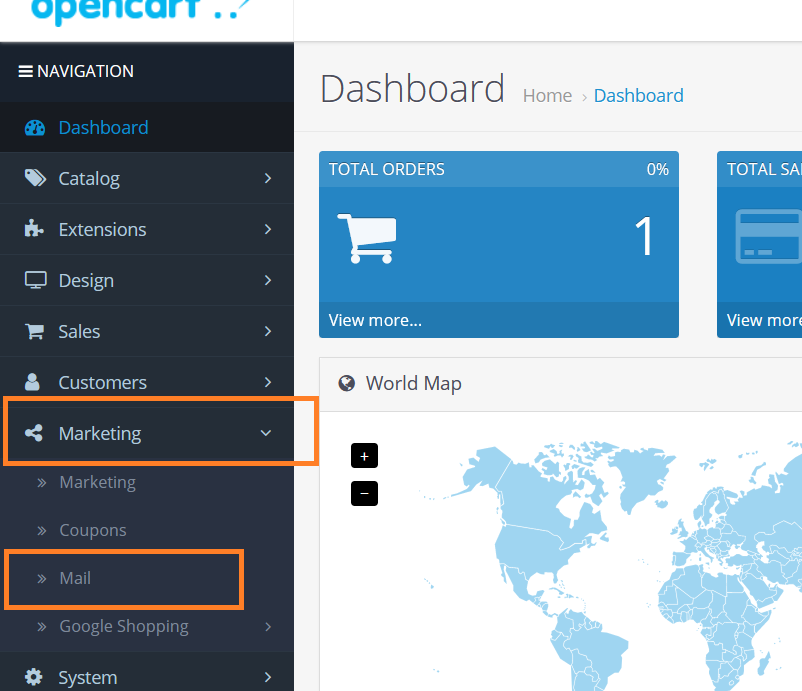
- On the Dashboard in the left sidebar, click Marketing, and then click Mai l:\
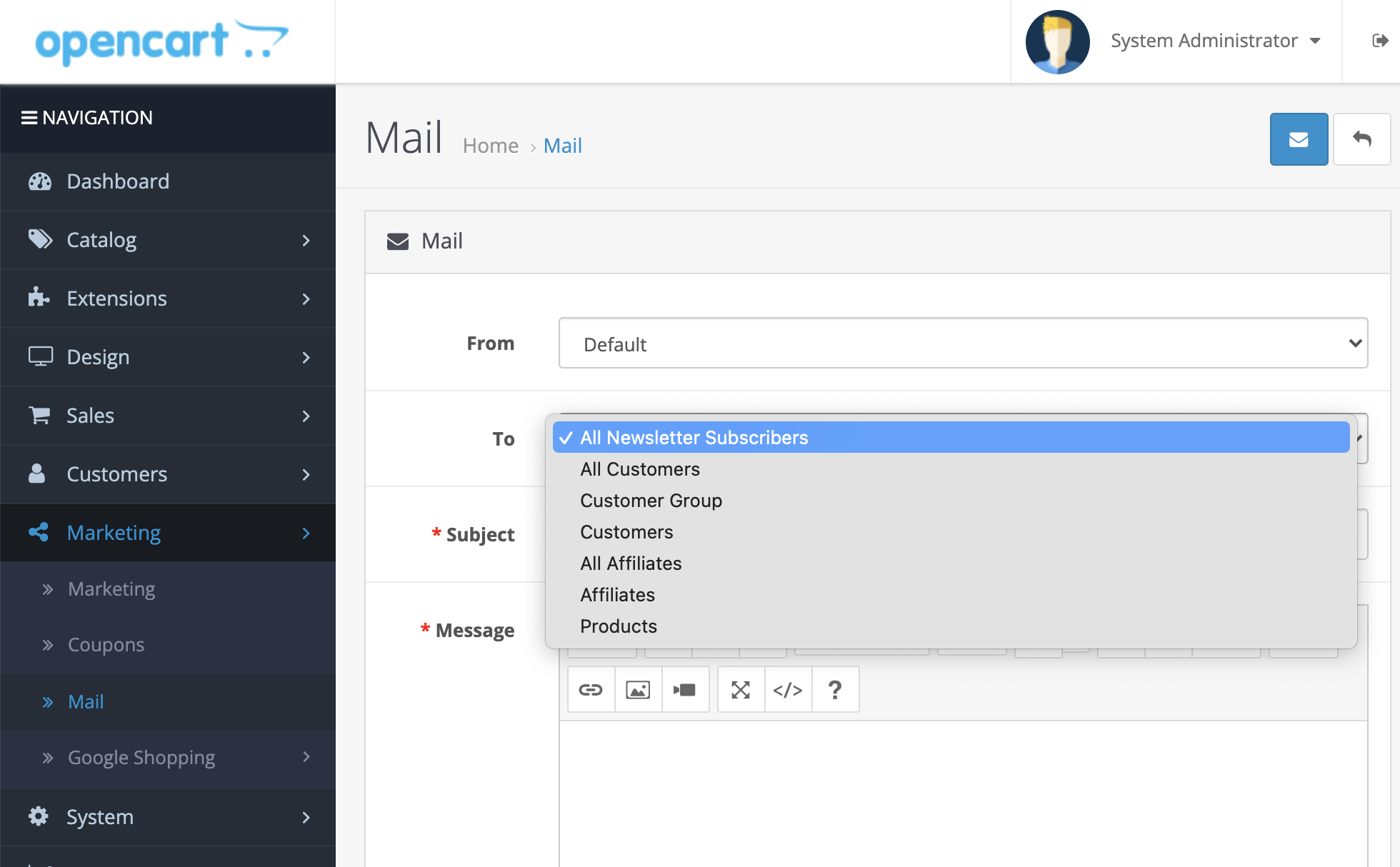
- In the To field, select the recipient groups from the drop down to send the marketing emails:\

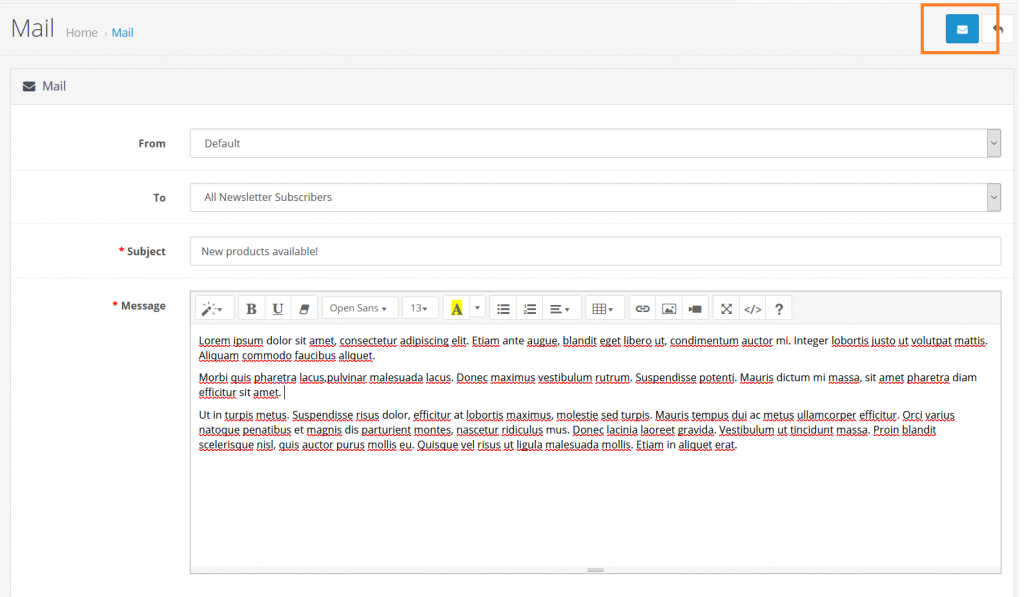
- Add a title of the email, message, and click on the Envelope button to send the message:\