.jpg?fit=max&auto=format&n=E2LlsT5gBITvo732&q=85&s=ec11e1673894bdf46663a5d73602eb87)
Setting permissions for user groups
To add file download permissions for user groups in OpenCart, follow these steps:- Log in to your OpenCart site with an administrator account.
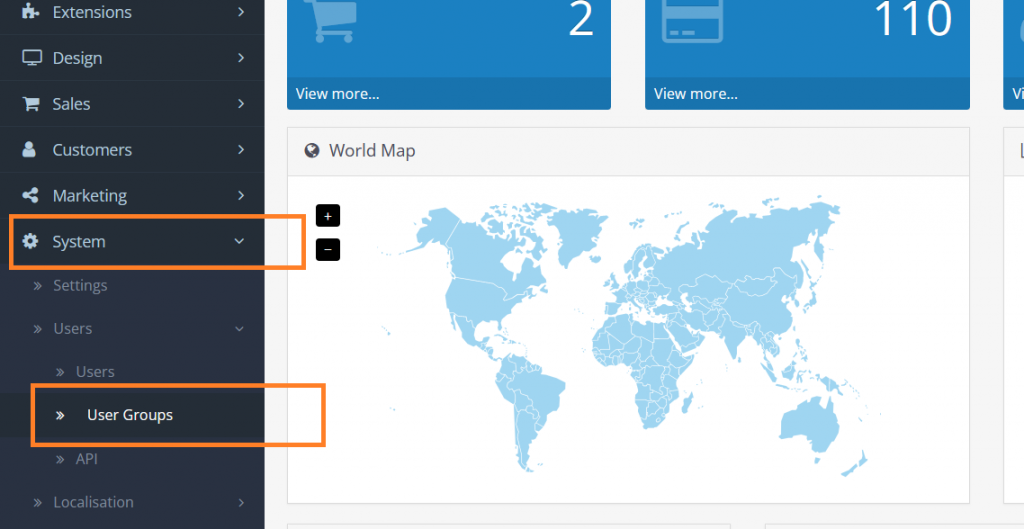
- On the Dashboard in the left sidebar, click System, and then click Add New:\
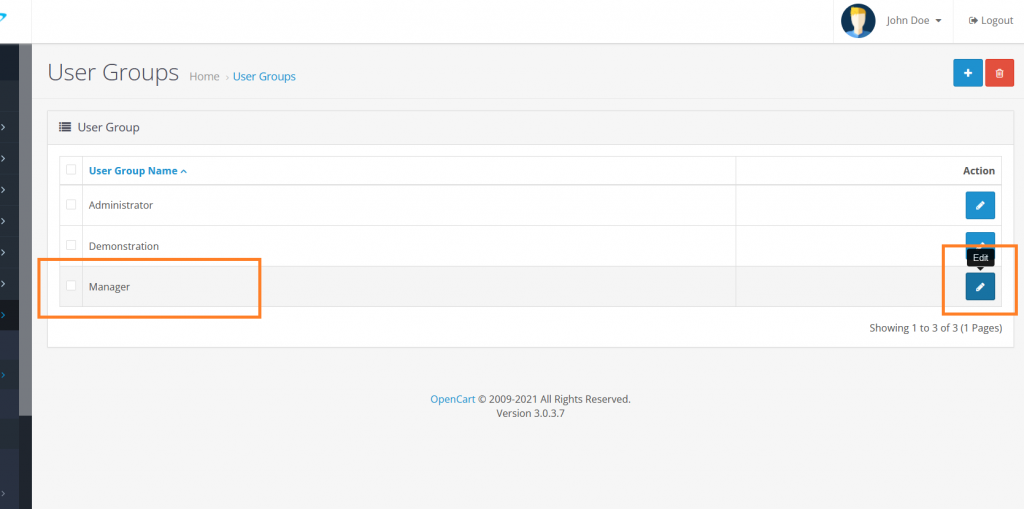
- Select the User Group to modify, and then click on Edit to change the group permission. The example below uses a created custom user group called Manager. To change the group permissions click on the Edit button:\
- Check the “tool/upload”option in the Access Permission section:\
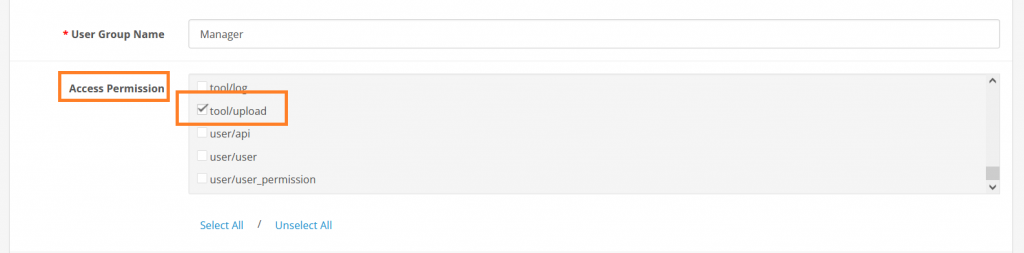
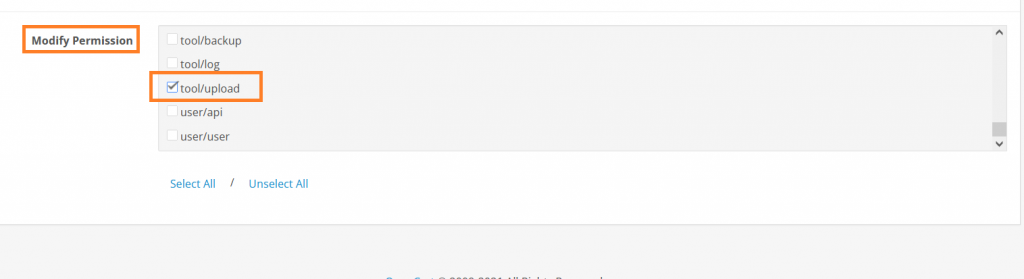
- Check the “tool/upload”option in the Modify Permission:\
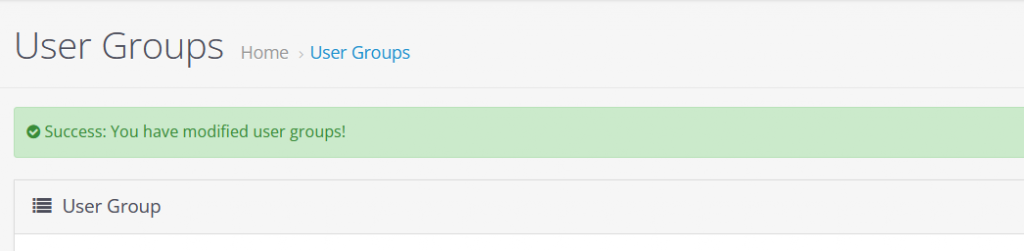
- Save file download permissions changes.The file download permissions have been successfully modified:\