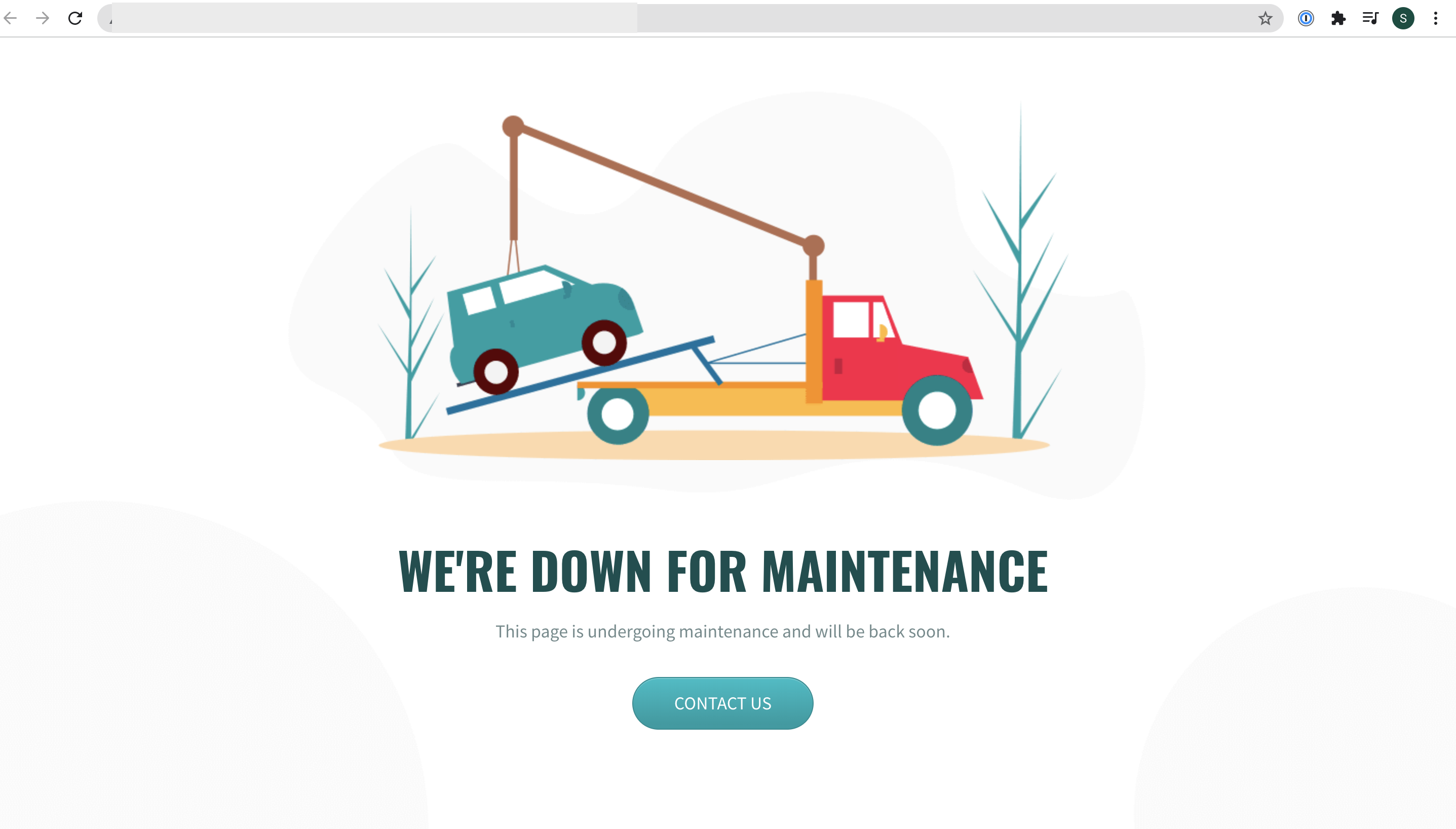
.jpg?fit=max&auto=format&n=E2LlsT5gBITvo732&q=85&s=ec11e1673894bdf46663a5d73602eb87)

Installing and configuring Coming Soon Page & Maintenance Mode by SeedProd Plugin
To install and configure Coming Soon Page & Maintenance Mode by SeedProd Plugin, follow these steps:- Log in to your WordPress site with an administrator account.
-
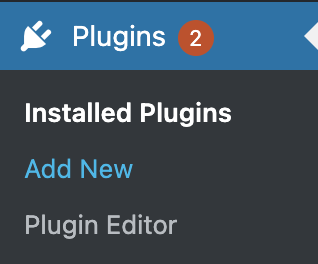
On the Dashboard in the left sidebar, click Plugins, and then click Add New:
-
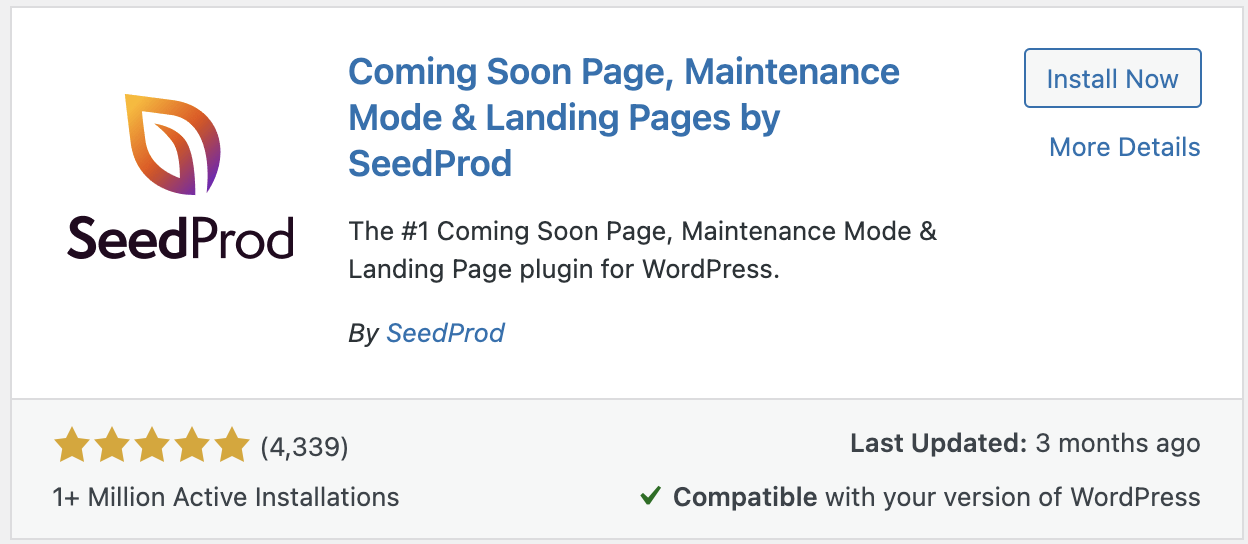
Search for “Coming Soon Page & Maintenance Mode by SeedProd” click I nstall, and then click Activate the plugin:
-
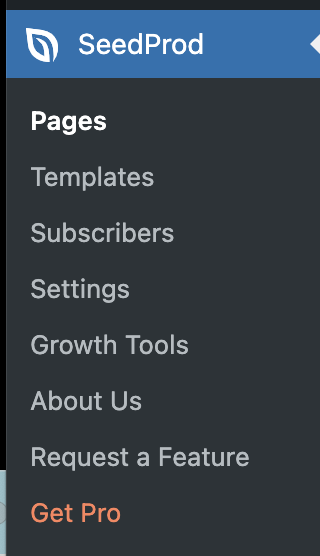
On the Dashboard in the left sidebar, click on SeedProd to create Coming Soon & Maintenance page:
-
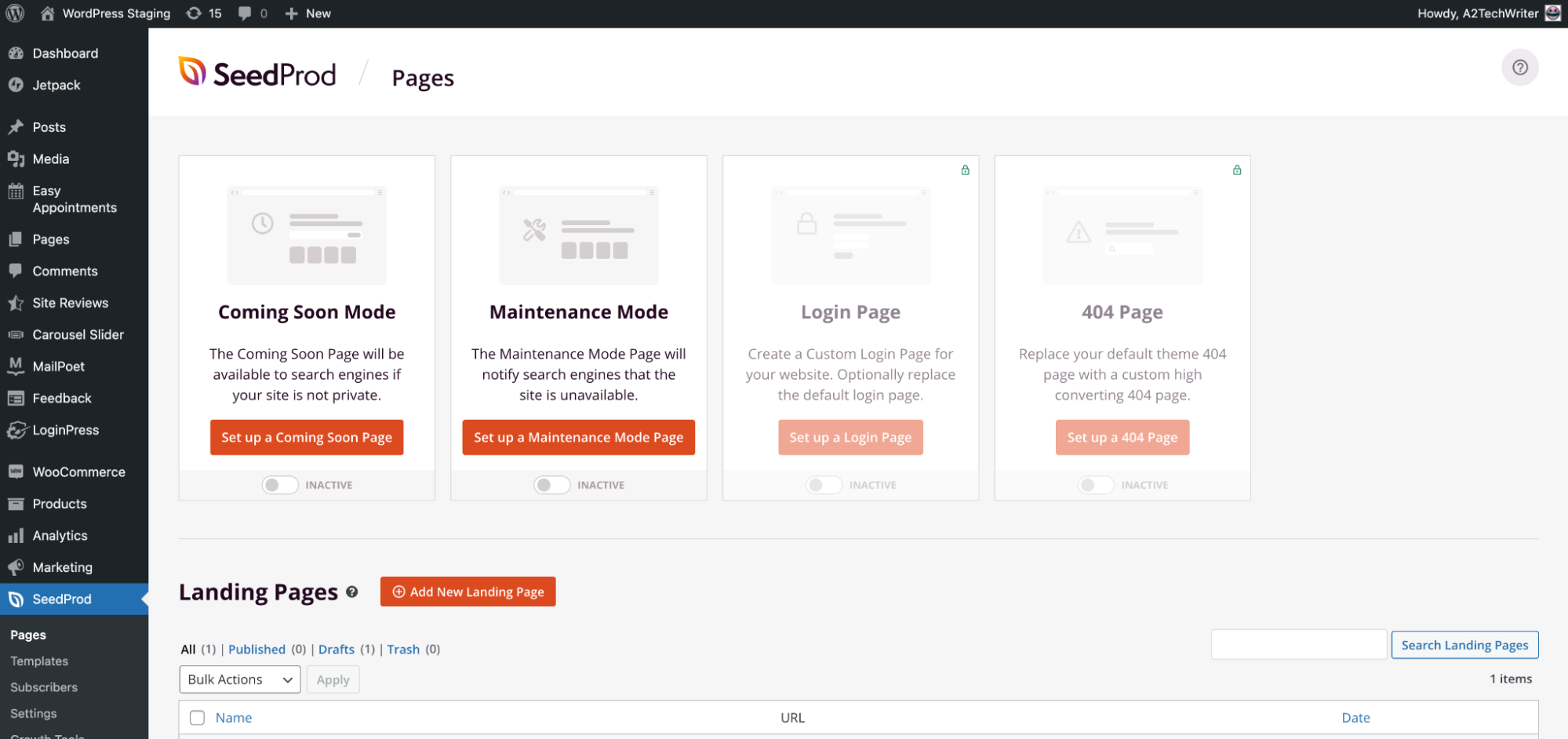
On the SeedProd dashboard there are four page pages, with two free options which are Coming Soon Mode and Maintenance Mode page:
-
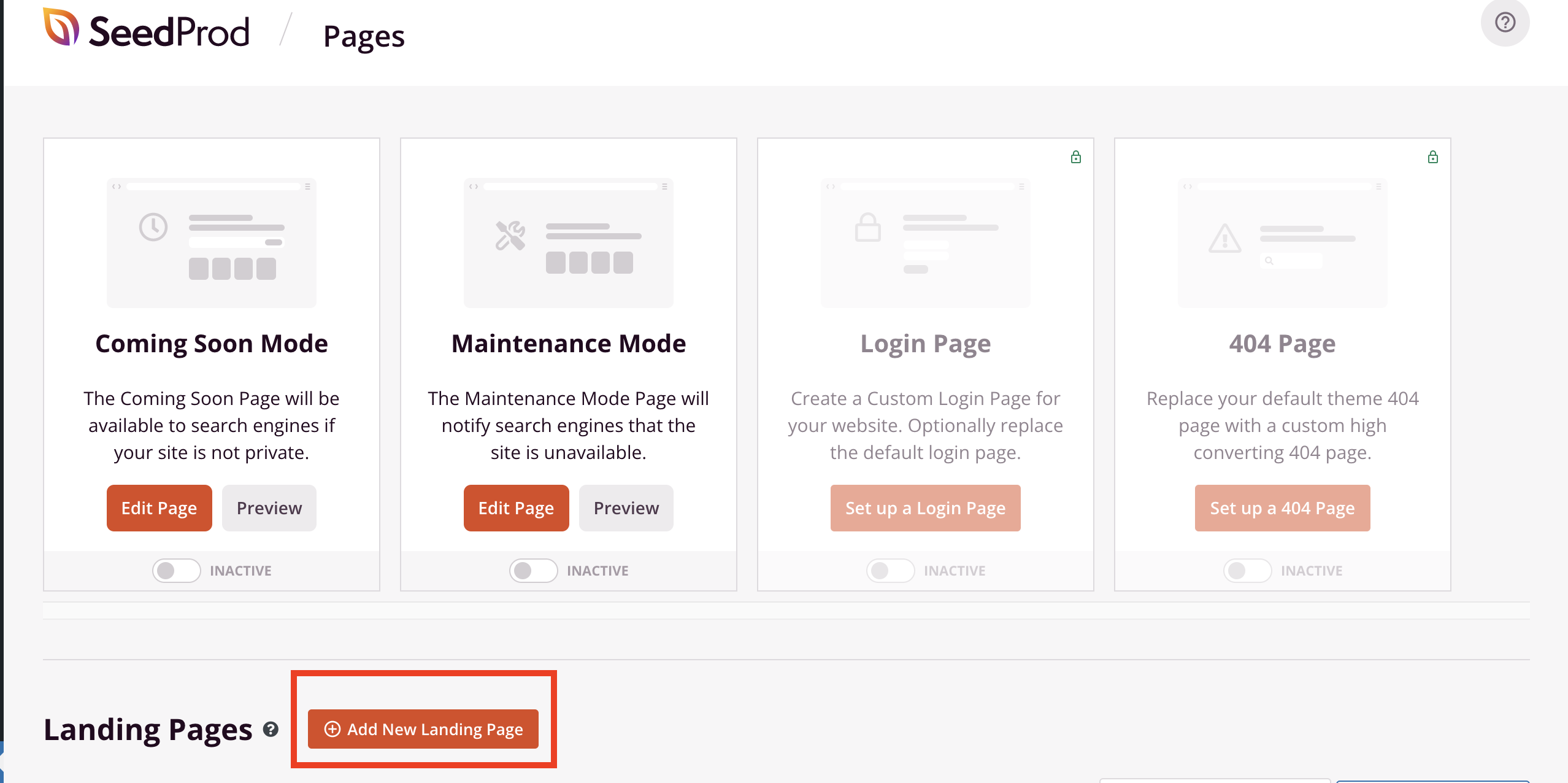
To create Maintenance Mode page, click on Add New Landing Page button:
-
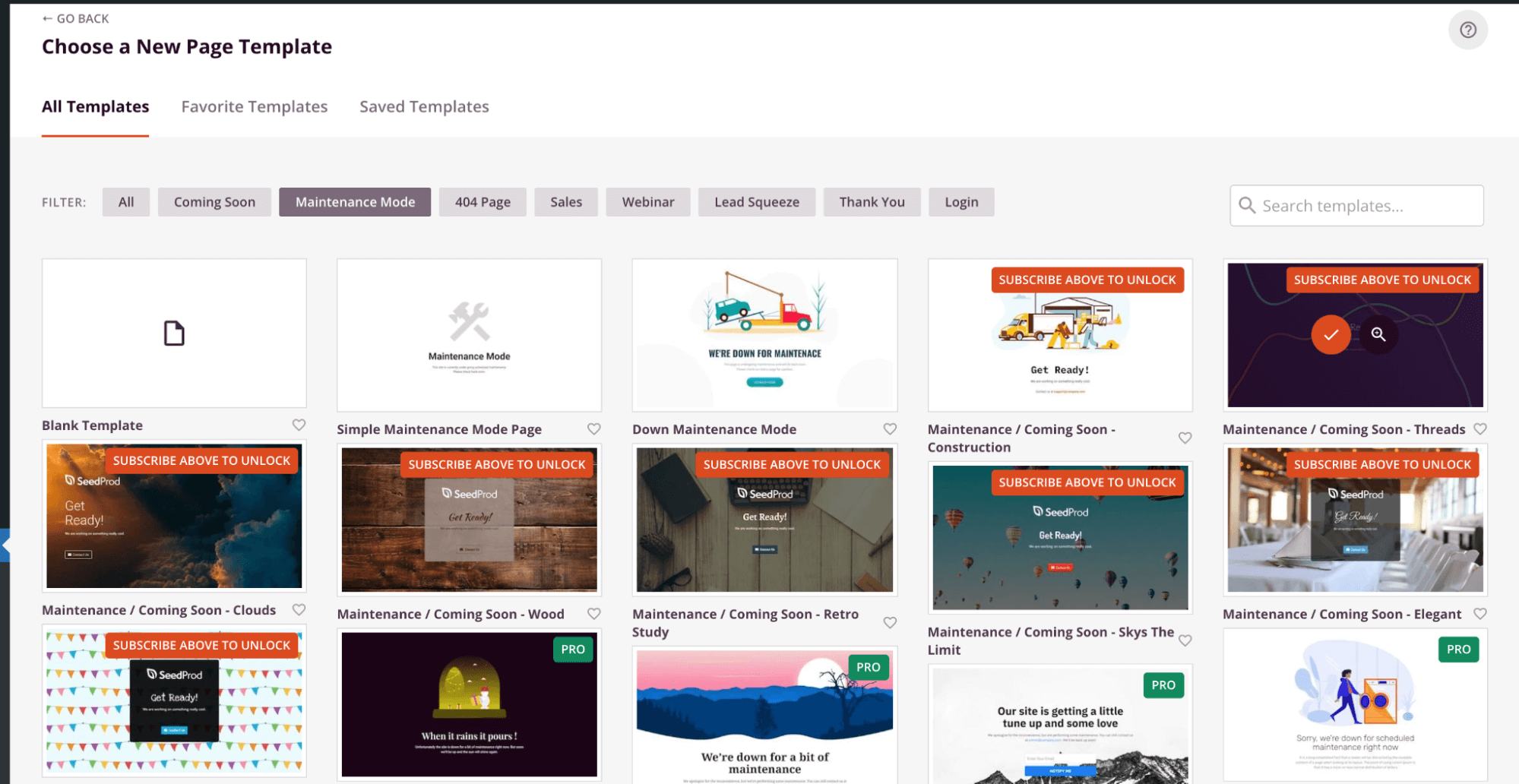
Choose a New Page Template for the Maintenance mode page:
-
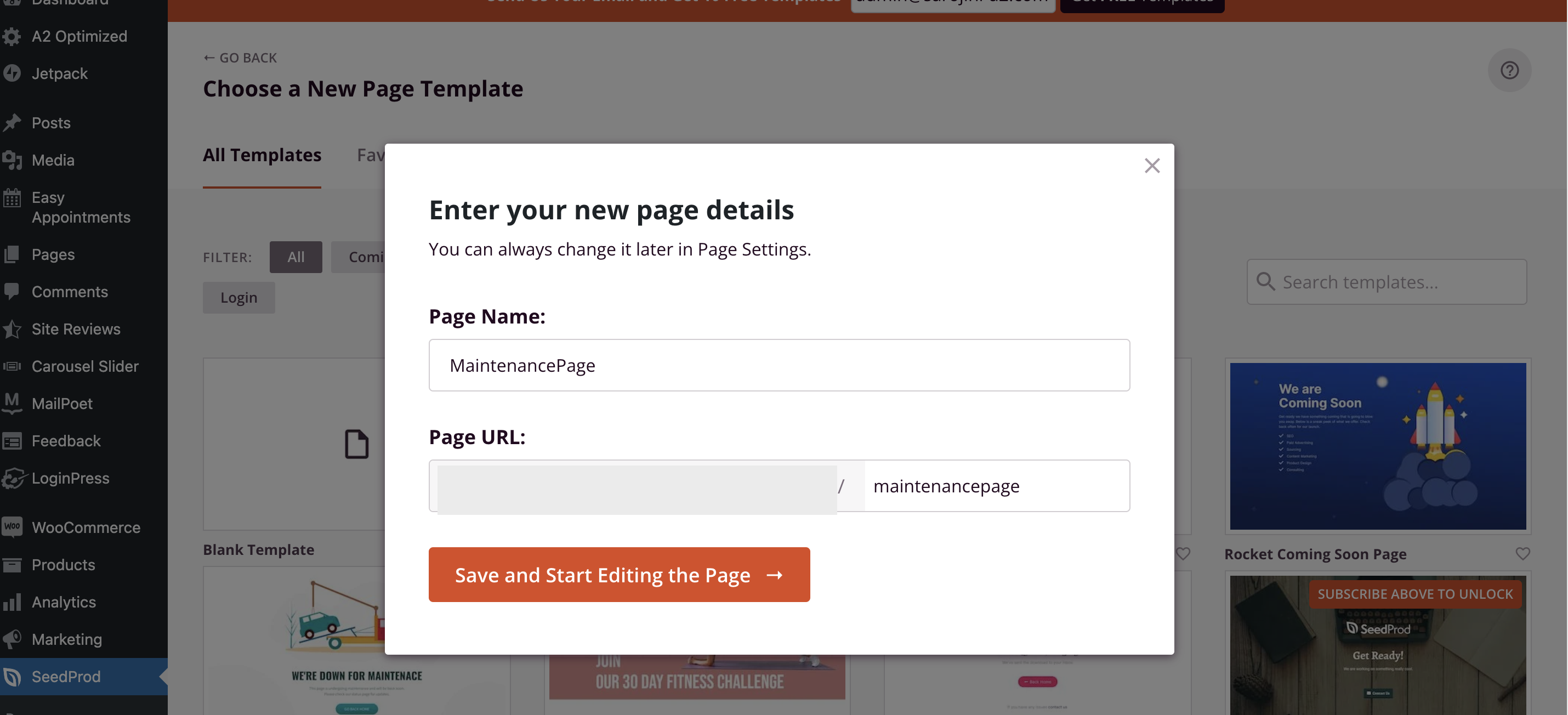
Fill in the page name and URL details:
-
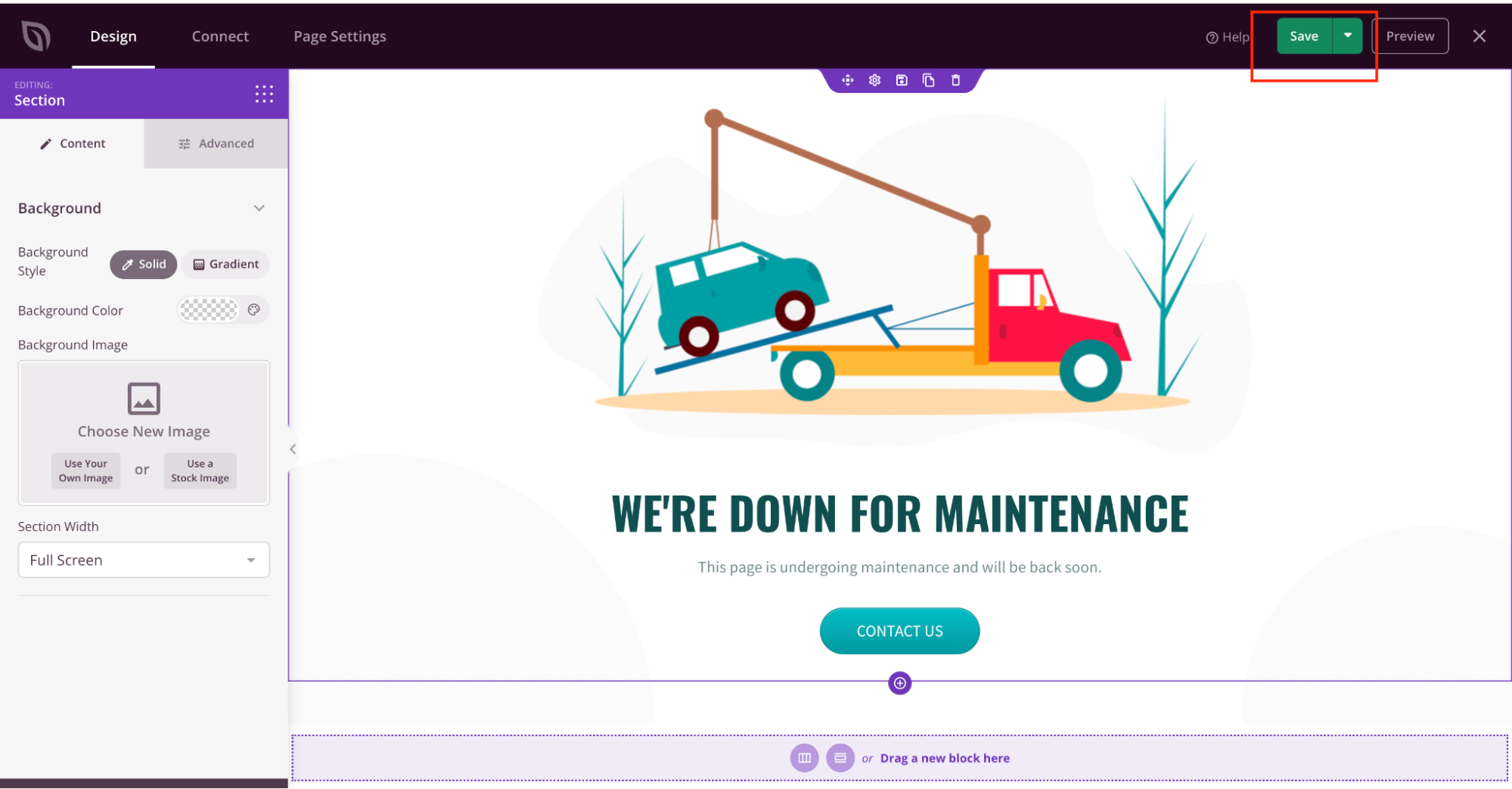
Customise the page according to your preference. Once completed, click on the Save Button:
-
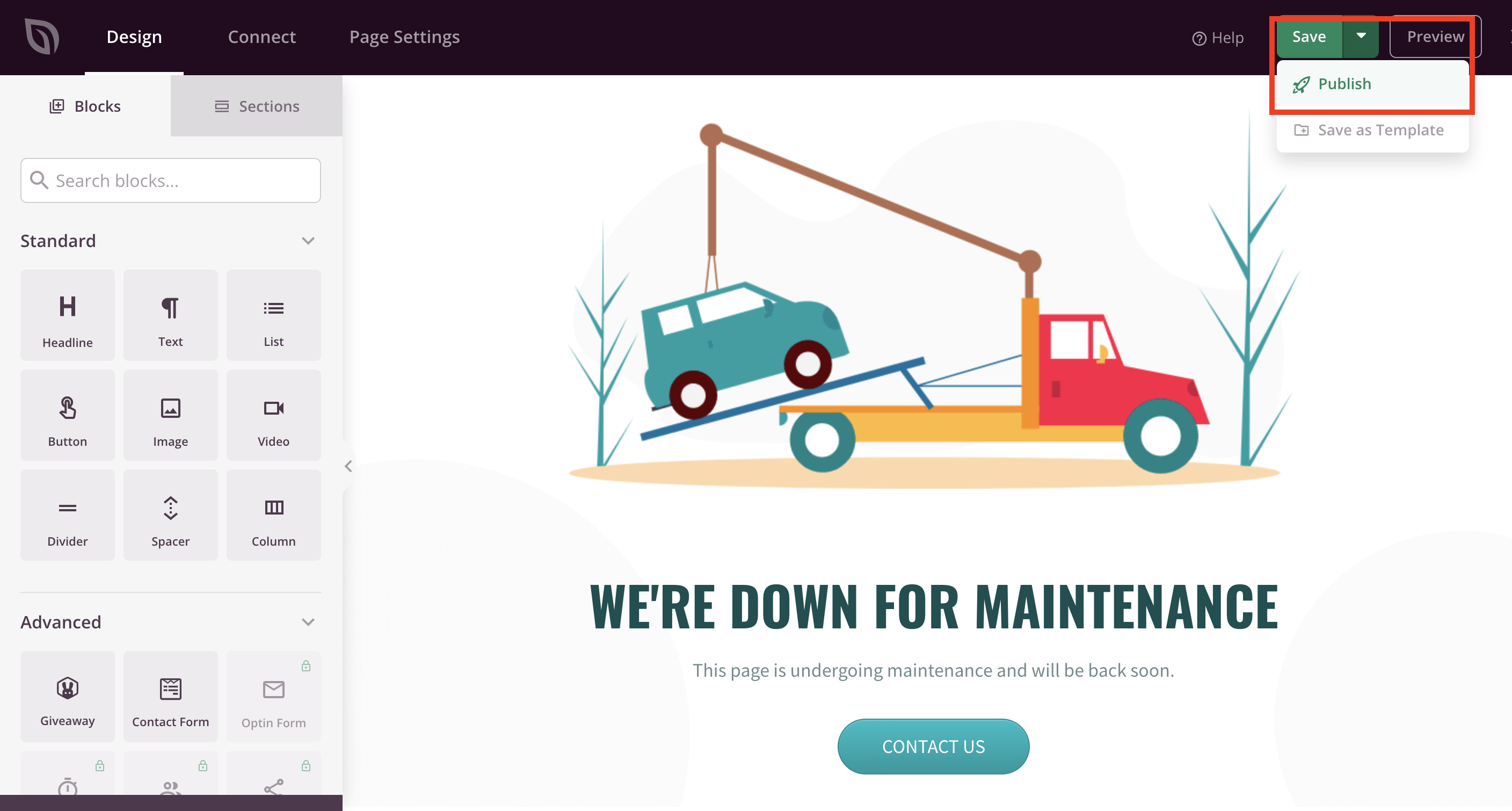
To publish the Maintenance page, click on Save, and then click on Publish:
-
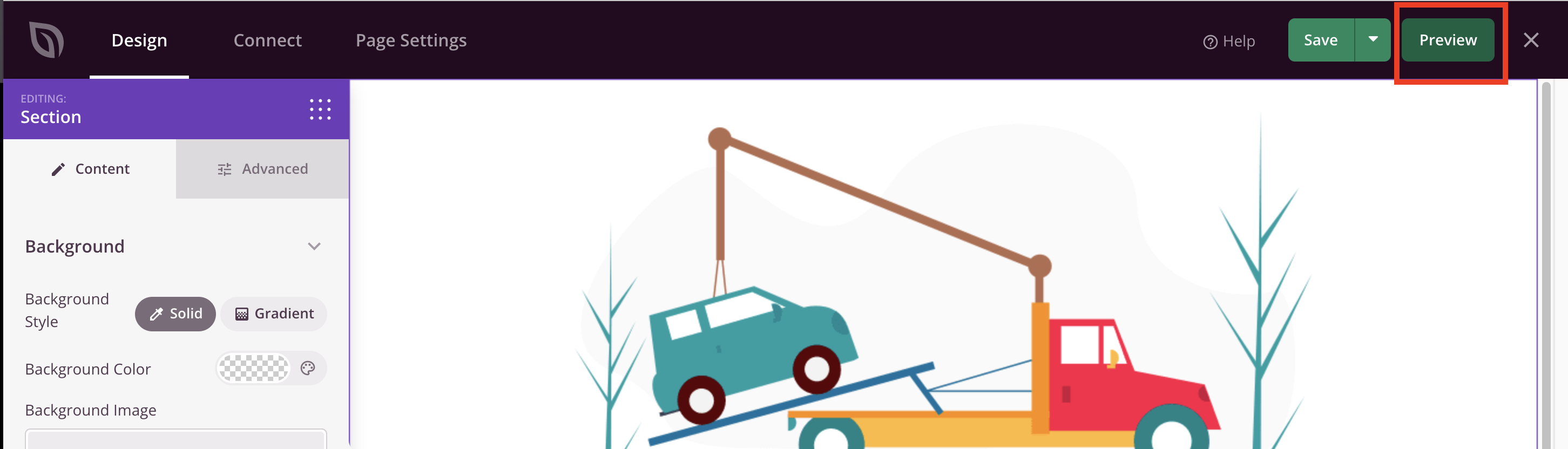
To preview the page, click on Preview:
-
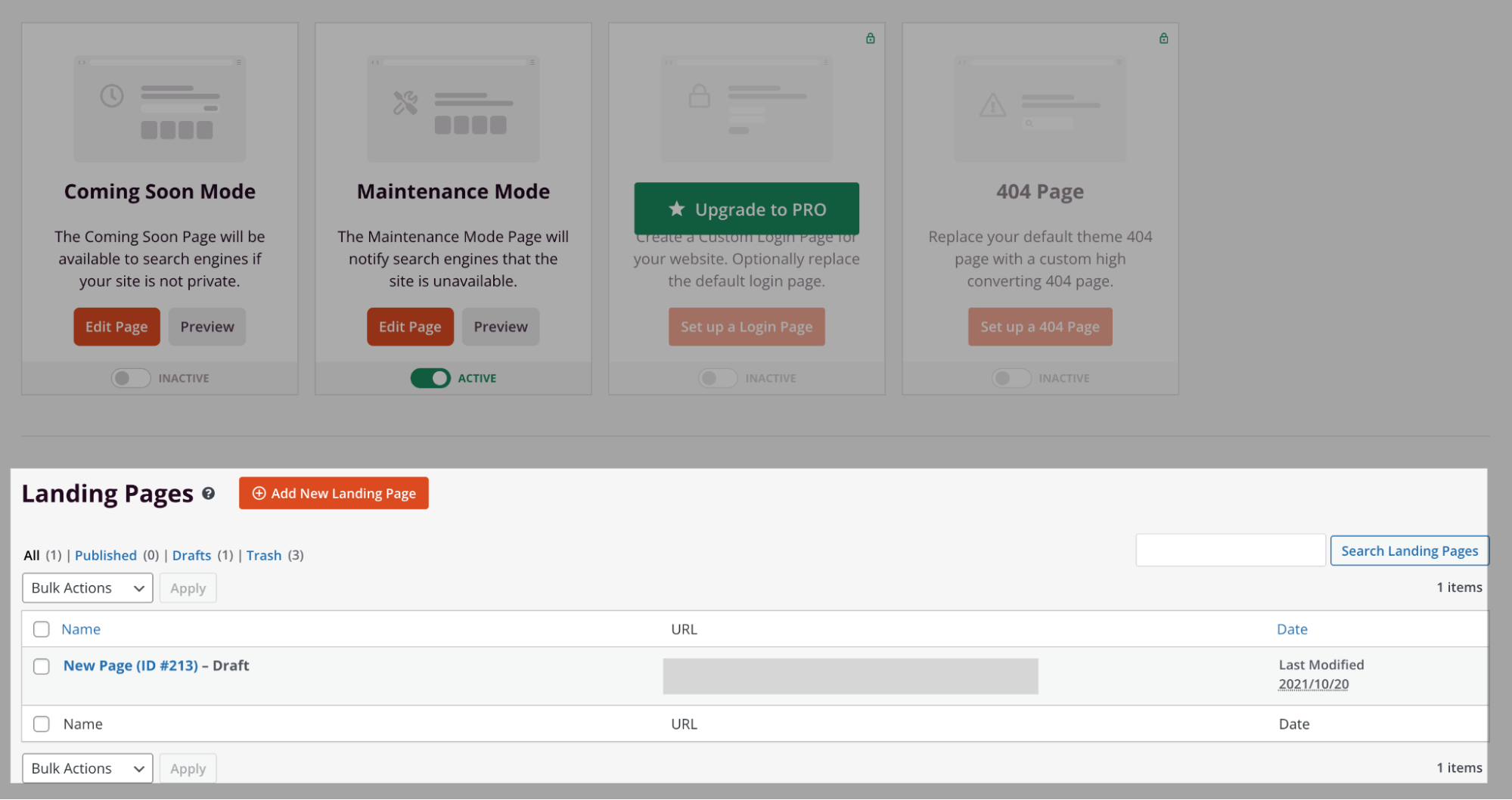
Exit the edit page, on the SeedProd dashboard, the newly created page is listed on the Landing Page listing:
-
Use the maintenance page URL to switch WordPress site to the maintenance page: