.jpg?fit=max&auto=format&n=E2LlsT5gBITvo732&q=85&s=ec11e1673894bdf46663a5d73602eb87)
Installing and configuring Errorlog plugin for Joomla
- Log in to your Joomla site with an administrator account.
- On the top menu bar, click Extensions, click Manage, and then click Install.
-
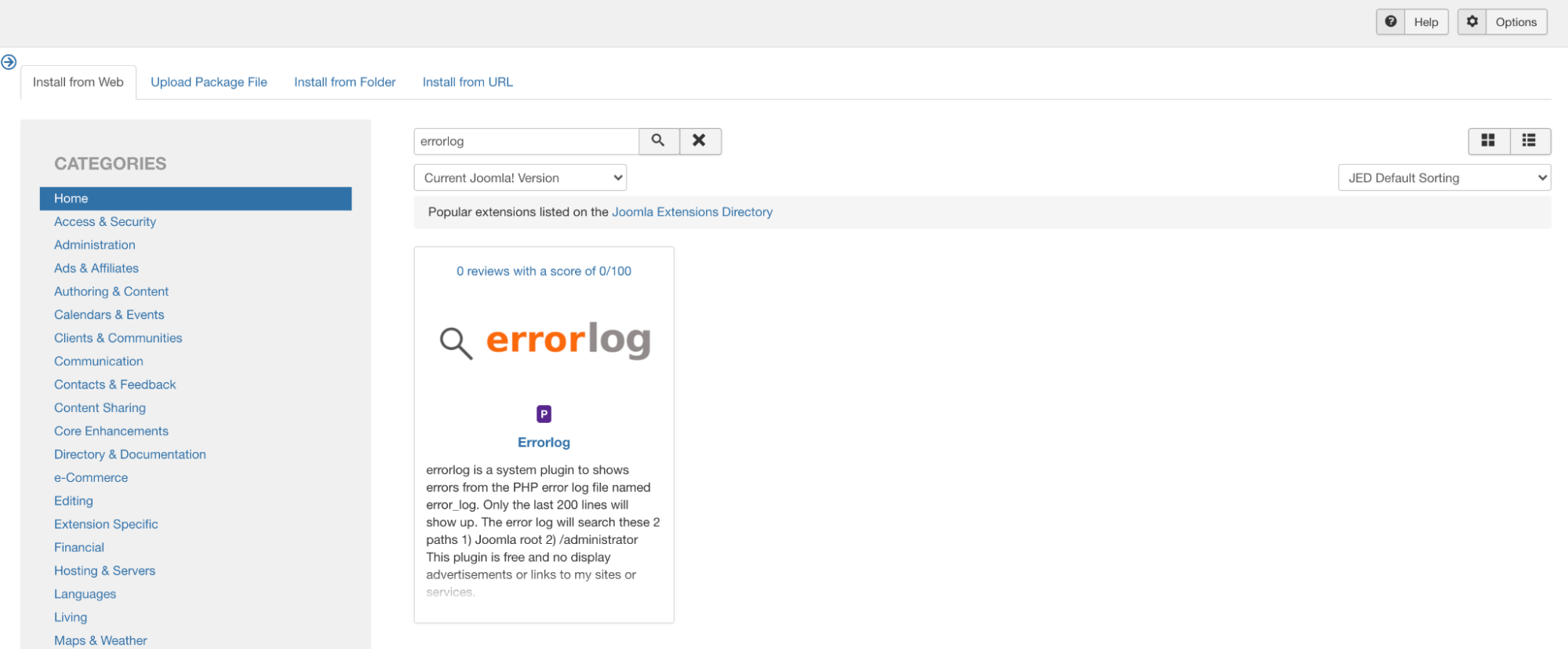
Select I nstall from Web tab, search for “Errorlog:
-
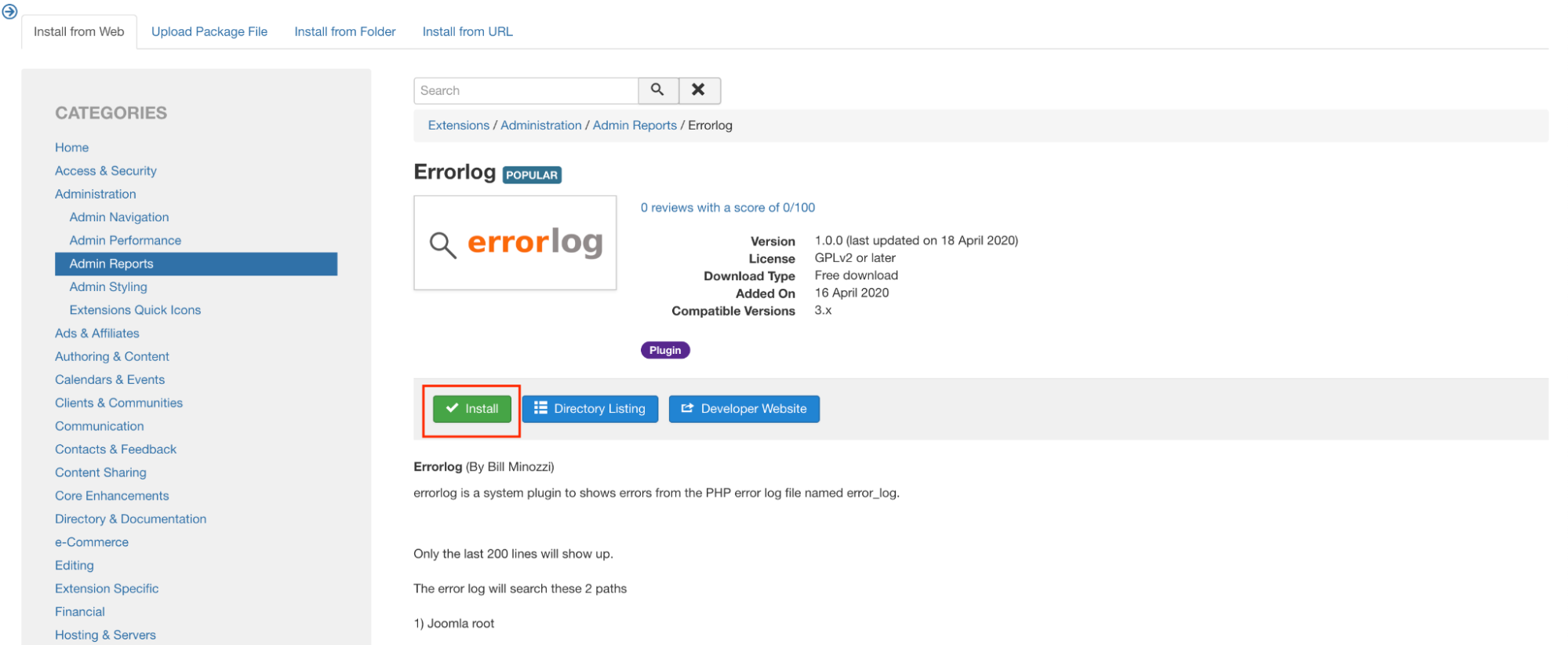
Click on Install to install the module:
-
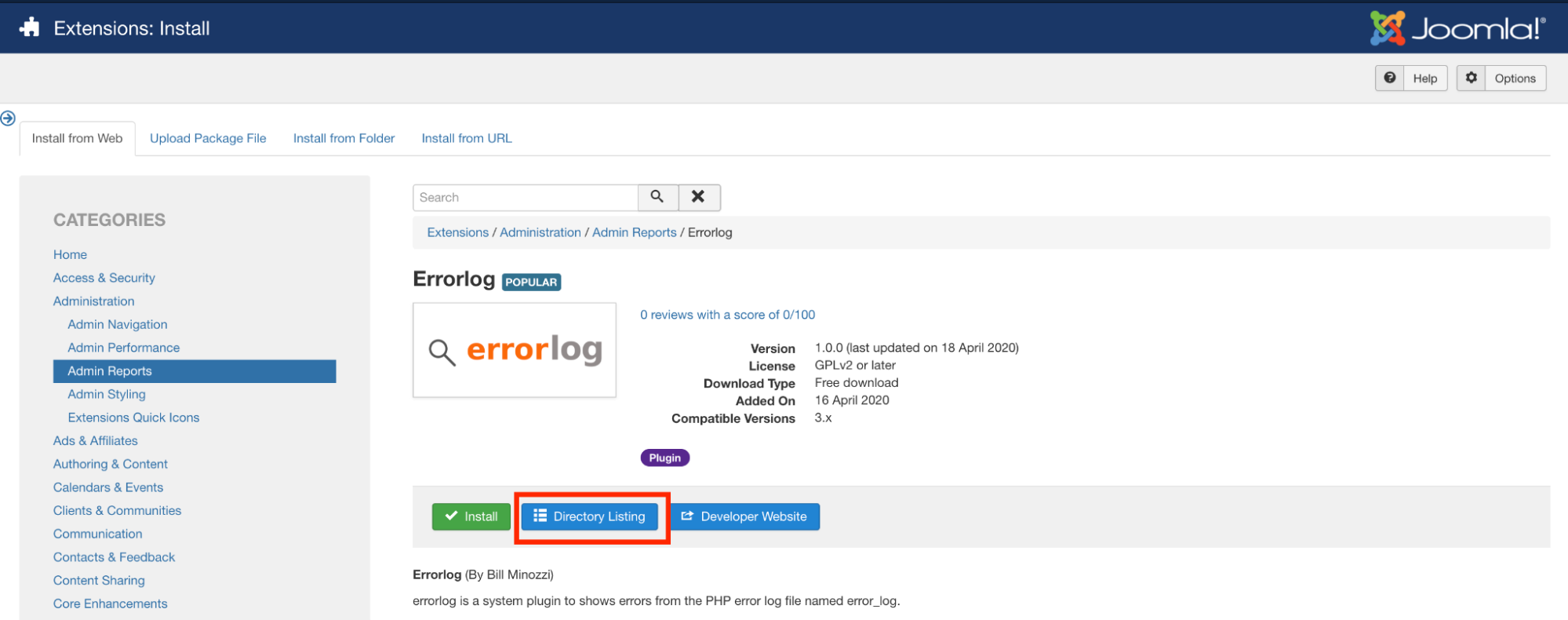
If the Install option on the module does not work, click Directory Listing. This will take you to the module page. Download the extension to your computer. Then click the Upload Package File tab. Upload the extension file from your drive. This will upload and install the module:
- On the top menu bar, click Extensions, and then click Modules:
- Select the “errorlog “to edit the module:
- Change the status to “Enabled”. When an error is generated, it will be displayed in the logs tab: ****