

Step 1: Add Your Basic Project Details
First, you’ll be asked to name your project and set a few basics: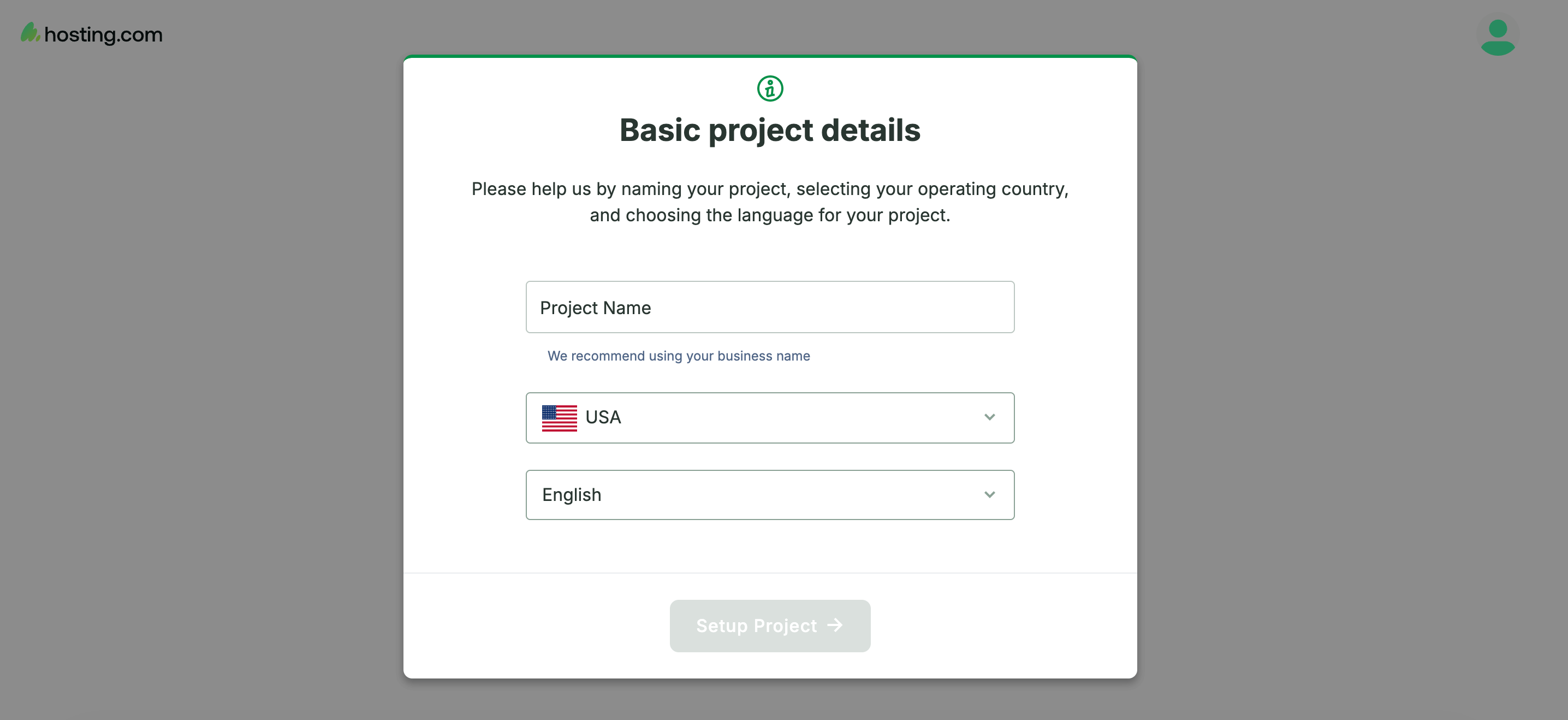
- Project Name — We recommend using your business name so it’s easy to identify later.
- Operating Country — Select the country your business operates in.
- Language — Choose the language you’d like your project to use.
Step 2: Find Your Business
Next, tell us your business name, and we’ll try to locate it on the map for you. Just type it into the search bar and select your business if it appears in the results.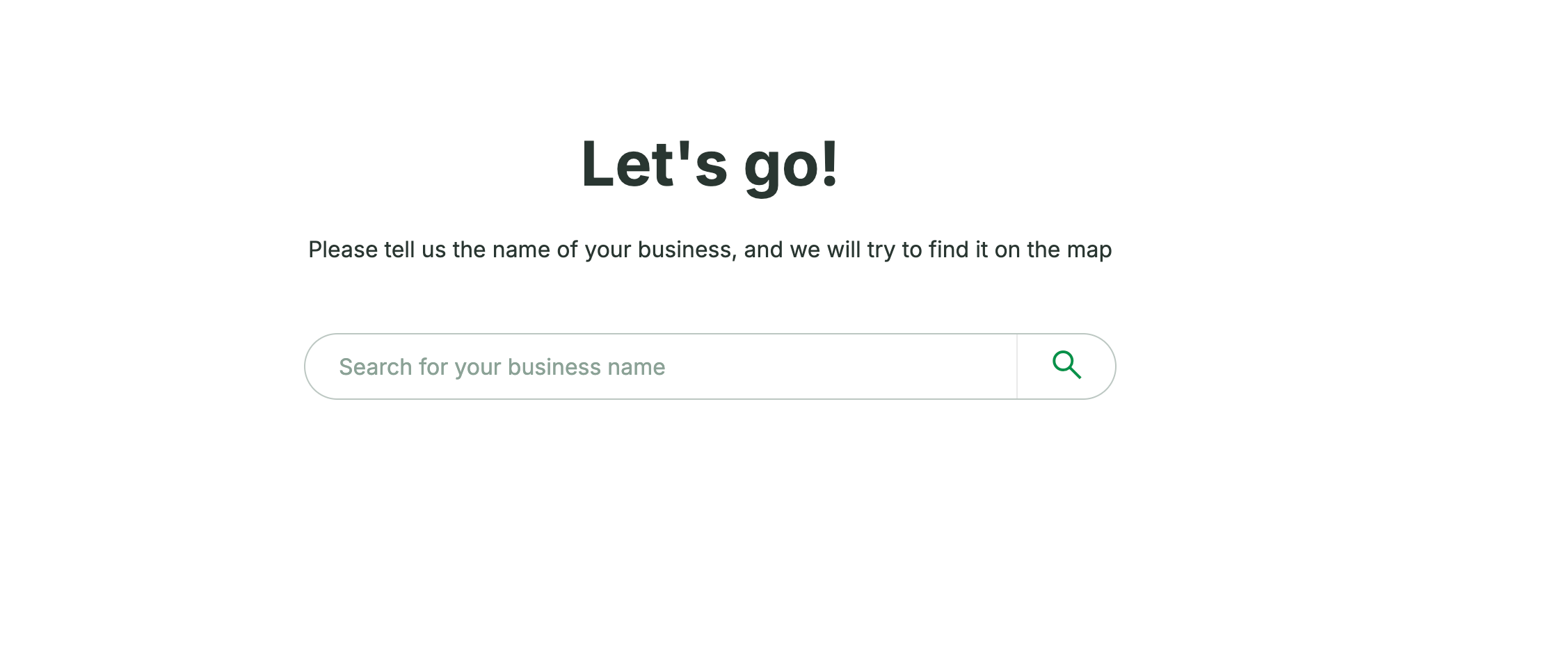
Don’t worry if your business isn’t on the map yet — you can still continue setting up your project.
Step 3: Choose Your Business Type
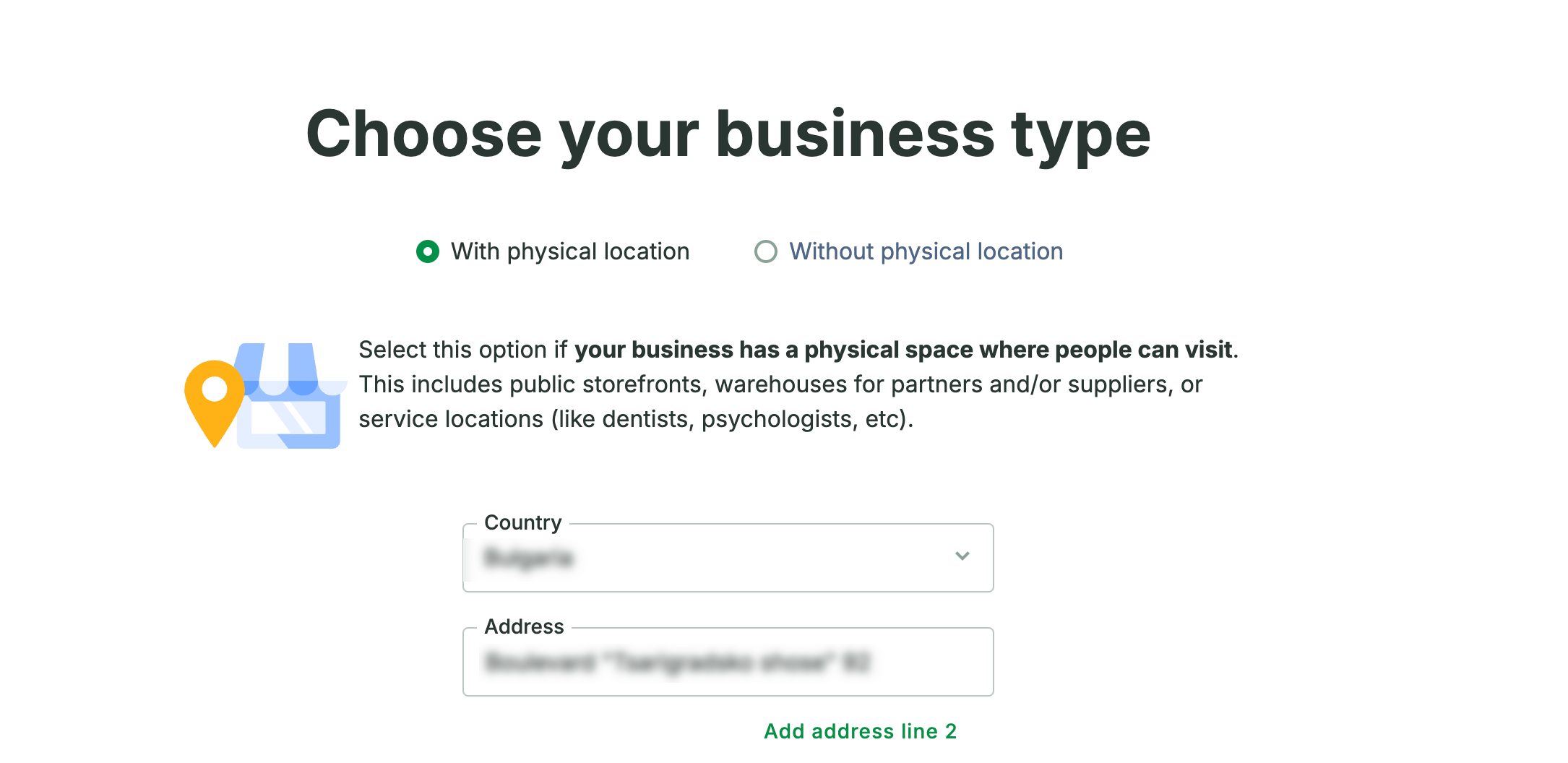
Let us know whether your business has a physical location customers or clients can visit:- With physical location — Choose this if you have a storefront, office, warehouse, or service location (like a dental practice or clinic) where people can visit.
- Without physical location — Choose this if you operate exclusively online or don’t have a public-facing address.
Step 4: Add Your Keywords
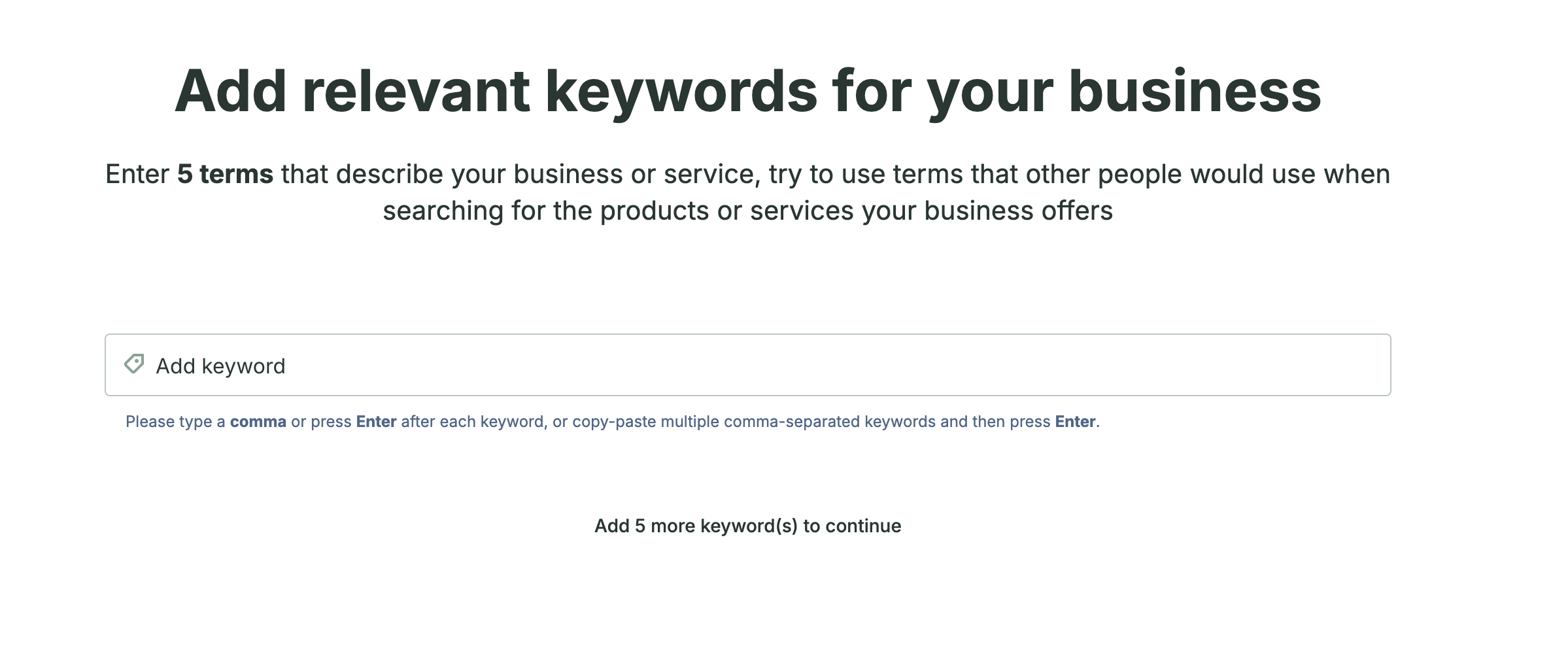
Now it’s time to tell us how customers find businesses like yours. Enter the terms people would search for when looking for your products or services.- Type a keyword and press comma or Enter to add it (or paste several comma-separated keywords at once).
- You’ll be asked to add a set number of keywords to continue — just keep adding until the prompt clears.
Step 5: Monitor Your Competitors
Finally, add the websites of businesses you consider competitors. This helps us keep an eye on how you stack up and alert you to changes in their online activity.- Add at least 1 competitor, up to a maximum allowed for your step.
- You can add a competitor’s website directly, or choose from any suggestions we surface for you.