.jpg?fit=max&auto=format&n=E2LlsT5gBITvo732&q=85&s=ec11e1673894bdf46663a5d73602eb87)
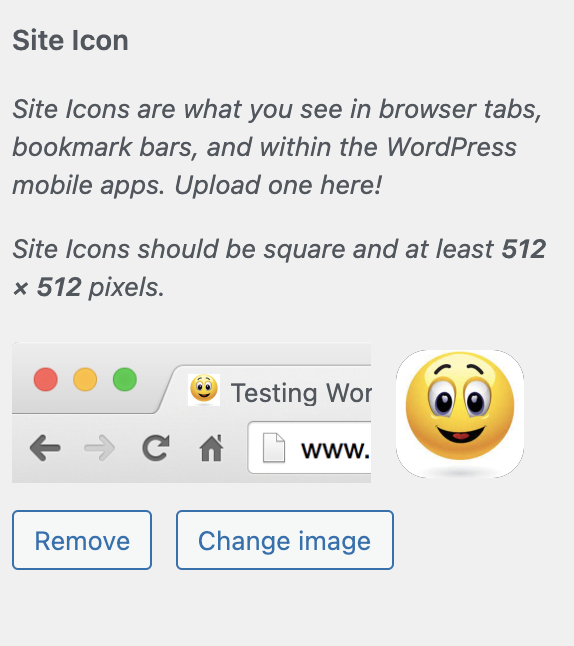
Adding a favicon to a WordPress site
To add a favicon to a WordPress site, follow these steps:- Log in to your WordPress site with an administrator account.
-
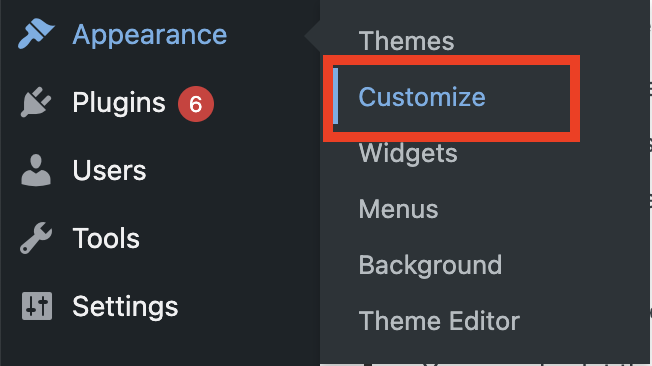
On the Dashboard in the left sidebar, click Appearance, and then click Customize:
-
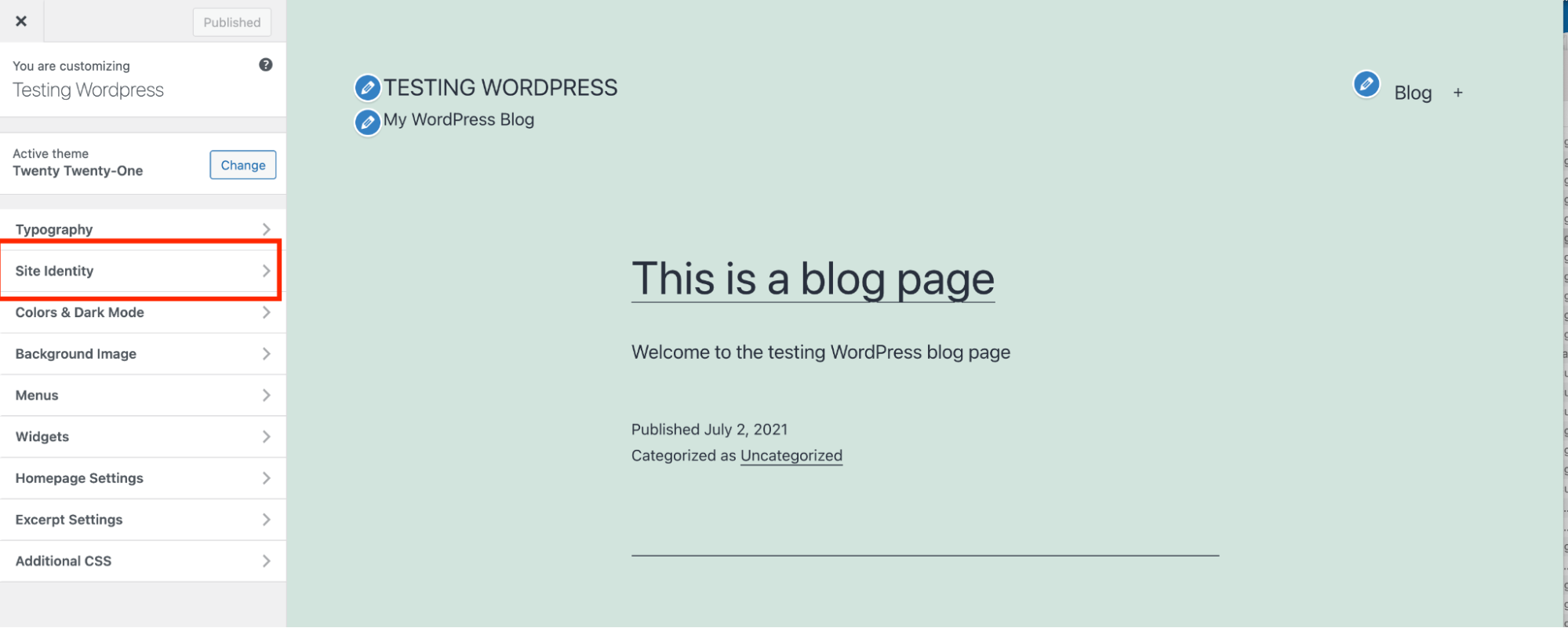
Click the Site Identity tab:
-
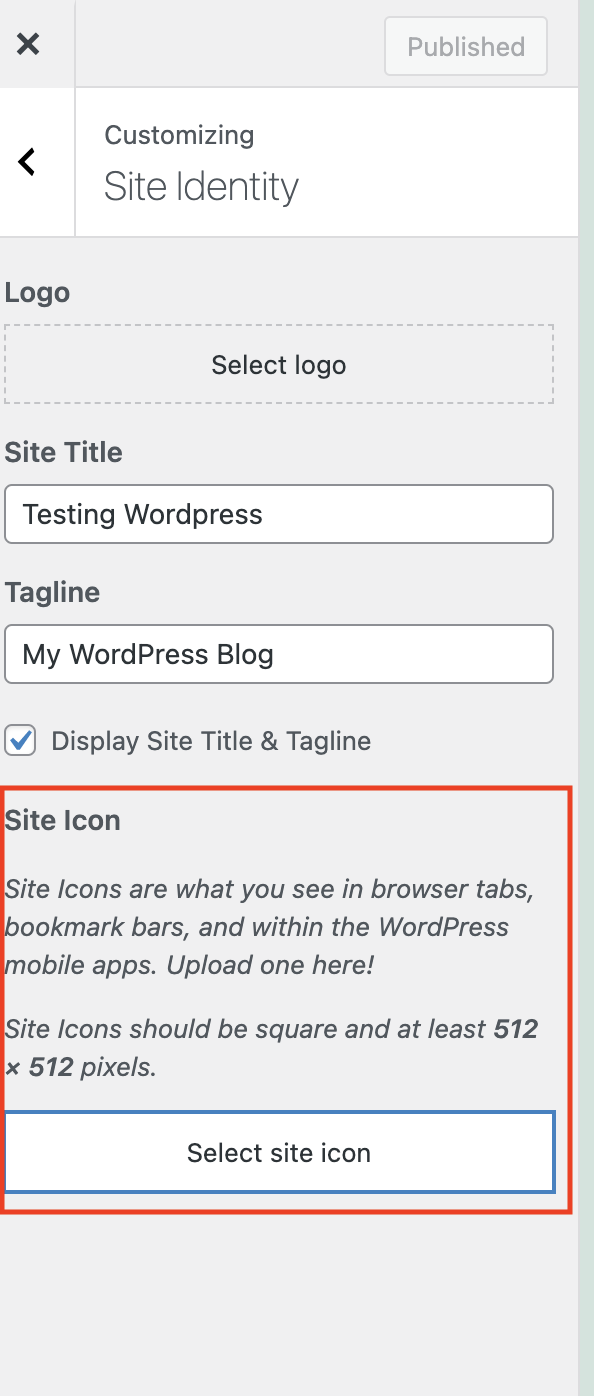
Under Site Icon, click Select site icon to upload the icon image:
- Click Select Files, and then select the favicon file on your local computer.
- Click Select.
- If you want to crop the image, click Crop image. Otherwise, click Skip cropping.
-
WordPress updates the favicon for your site with the new image file: