.jpg?fit=max&auto=format&n=E2LlsT5gBITvo732&q=85&s=ec11e1673894bdf46663a5d73602eb87)

What is Autoptimize Plugin?
The Autoptimize Plugin is a plugin that allows you to optimize your site using a simple user interface.Following are some of the features the plugin offers for site optimization:- Minify and cache scripts and styles
- Injects CSS in the page head by default
- Inline critical CSS
- Defer the aggregated full CSS
- Move and defer scripts to the footer
- Minify HTML
- Defer the aggregated full CSS
- Optimize images
- Optimize Google Fonts
- Async non-aggregated JavaScript can be used.
Installing Autoptimize Plugin in WordPress
To install Autoptimize Plugin in WordPress, follow these steps:- Log in to WordPress as the administrator.
-
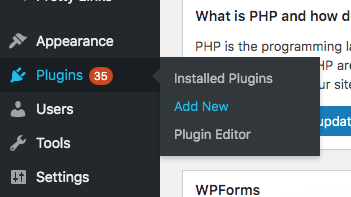
On the Dashboard in the left sidebar, click Plugins, and then click Add New:
-
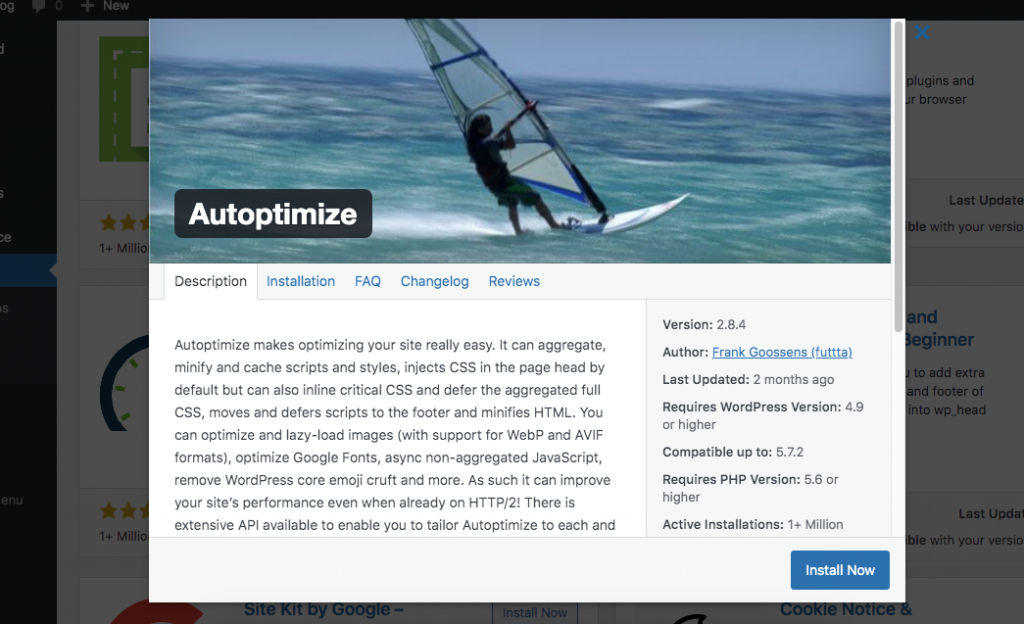
Search for “Autoptimize Plugin” click Install, and then click Activate the plugin:
-
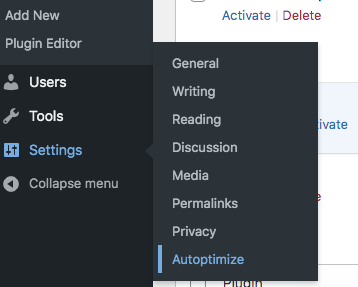
On the Dashboard in the left sidebar, click Settings, and then click Autoptimize:
-
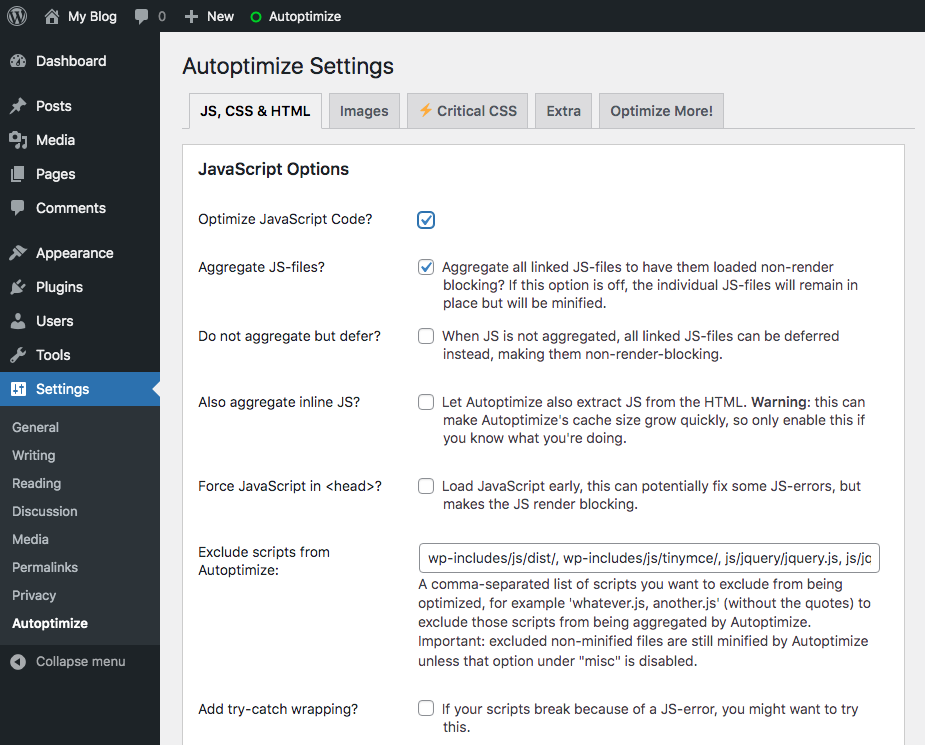
In the Autoptimize Settings page, configure the settings for JavaScript, CSS and HTML files optimization:
-
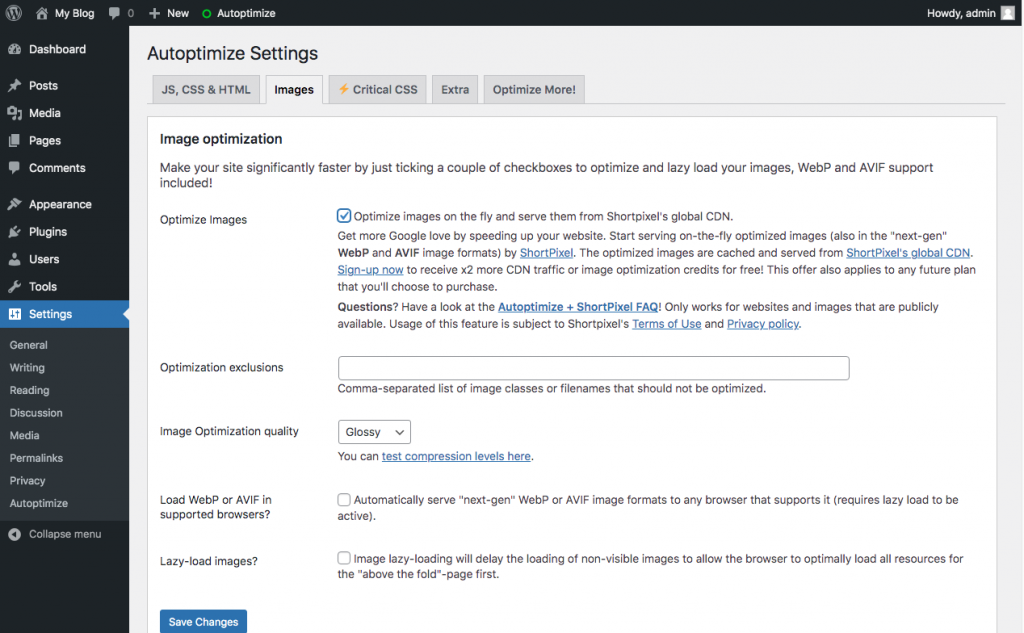
Click the Images tab and optimize the images, to improve your website’s loading speed and performance: